Android and iPhone
One walkie-talkie for Android and iPhone.
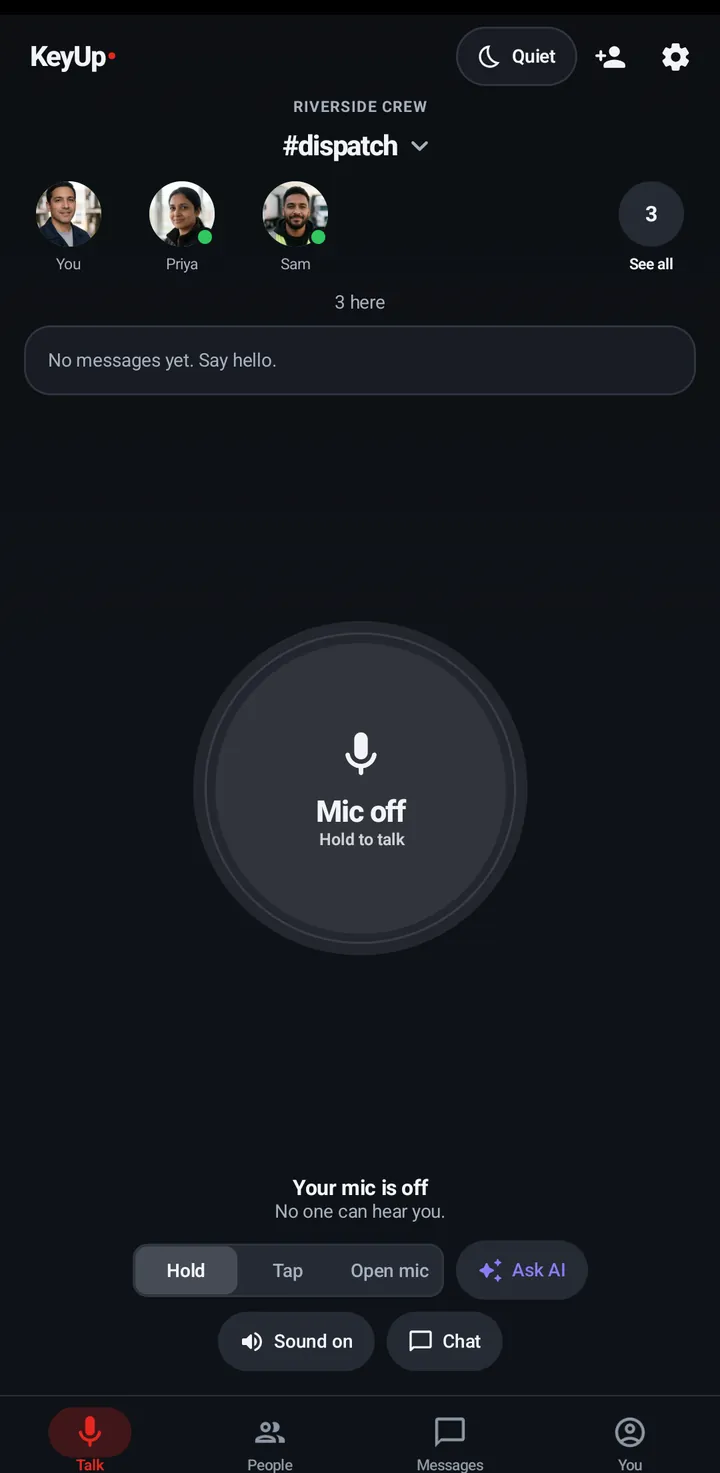
Mixed phones in the family or on the crew? Everyone talks in the same KeyUp room: Android phones and Wear OS watches with the app, iPhones in Safari with nothing to install.
The short answer
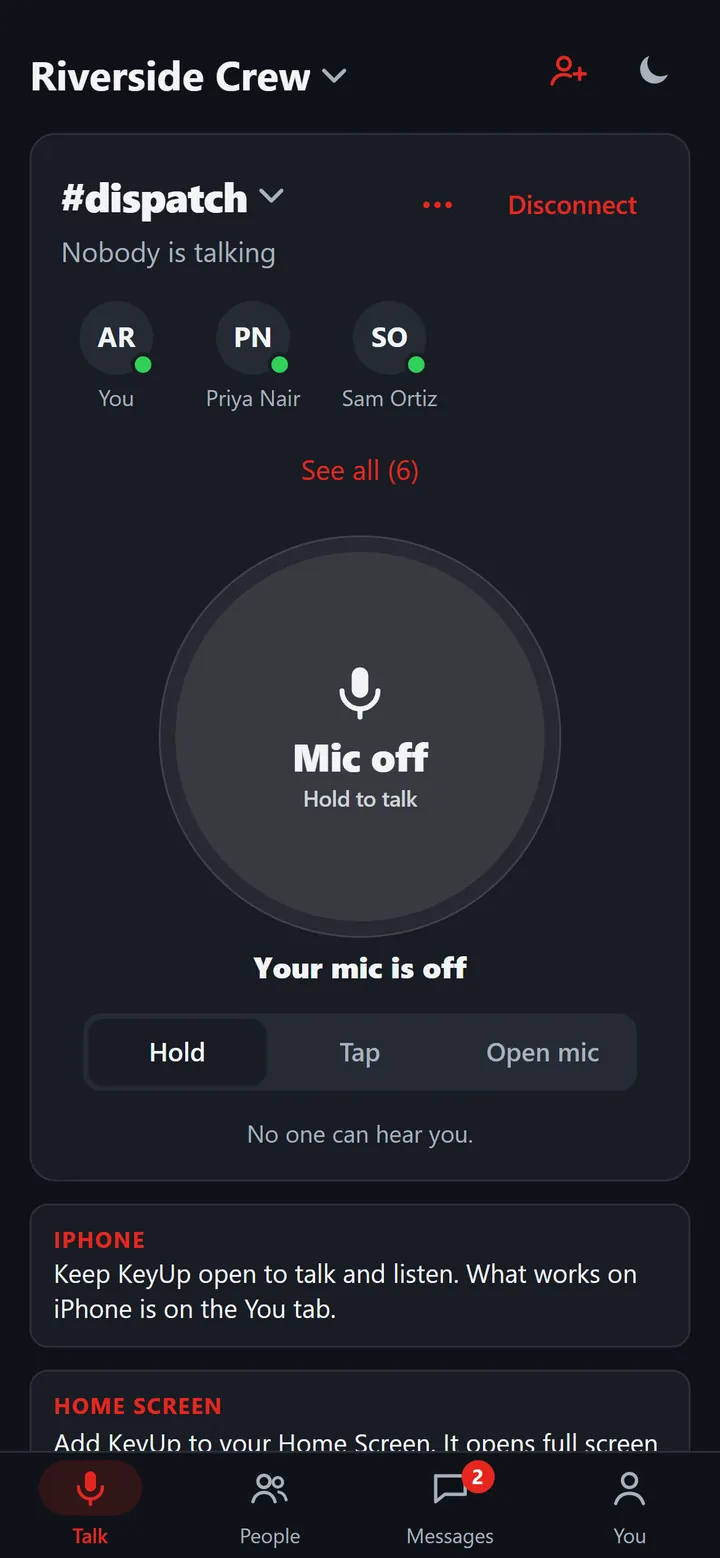
Yes, KeyUp works across Android and iPhone. Android phones and Wear OS watches use the KeyUp app from Google Play. iPhones open KeyUp in Safari and can add it to the Home Screen, with no install. Everyone joins the same rooms and hears each other right away. The iPhone side has limits: KeyUp has to stay open on screen to talk and listen, and a native iPhone app is planned after the beta, with no date promised.
How it works.
-
Same room, any phone
Android, iPhone, Wear OS watches and computers all hear each other. Nobody needs the same brand.
How to -
Android: the full app
Hold, Tap or Open mic, a volume key to talk, calls, photos, voice notes and Replay. Add a Wear OS watch and talk with the crown.
How to -
iPhone: open it in Safari
Open the link, add KeyUp to your Home Screen and it opens full screen. Notifications work from the Home Screen app on iOS 16.4 or later.
How to -
Guests join from any phone
Send a guest pass link or QR code. Android or iPhone, a guest joins one room with just a name, no account.
How to -
Messages and calls too
Chat, reactions and regular calls work on both. Private calls and sending photos or voice notes don’t work on iPhone yet; Android and Wear OS have them.
How to
The honest limits.
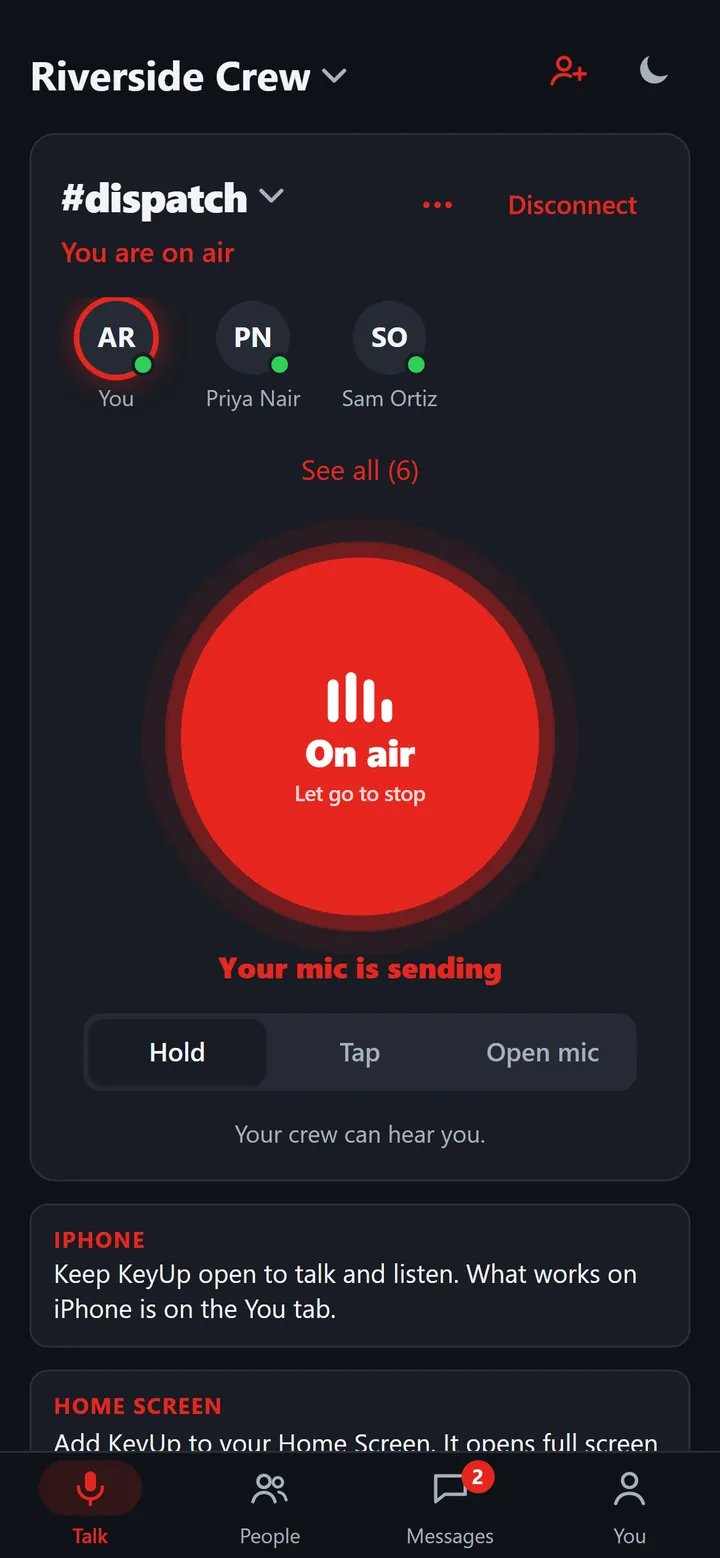
- On iPhone, KeyUp runs in Safari. Keep it open on screen to talk and listen: a web page can’t keep the mic or the sound going on a locked screen, and a Tap talk ends after about 10 seconds in the background.
- An incoming call doesn’t ring on iPhone while the page is closed.
- On iPhone there are no private calls, no sending photos or voice notes, and no Replay.
- There is no native iPhone or Apple Watch app yet. Both are planned after the beta, with no date promised.
- KeyUp needs Wi-Fi or mobile data. It is not an offline radio.
- It is a work and family tool, not an emergency or safety device.
Questions.
Do iPhone users need to install anything?
No. They open KeyUp in Safari. Adding it to the Home Screen makes it open full screen and allows notifications on iOS 16.4 or later.
Can an iPhone talk to a Wear OS watch?
Yes. Everyone in a room hears everyone else, on any phone, watch or computer.
Is there an iPhone app in the App Store?
Not yet. A native iPhone and Apple Watch app is planned after the beta. Until then, the web app is the iPhone path.
What does it cost?
Free during the beta. After that: Free for up to 3 people, Family $5.99 a month for 6, and Crew from $24.99 a month for 10 people. The Space owner pays; members and guests never do.
Free during the beta.
Join the beta for Android phones and Wear OS watches, or try a shift in your browser first.