Restaurants and catering
Keep the kitchen and the floor talking.
Expo can’t hear the line, the host can’t find a server. KeyUp gives each station a room, and staff talk from the phone in their apron or the watch on their wrist.
The short answer
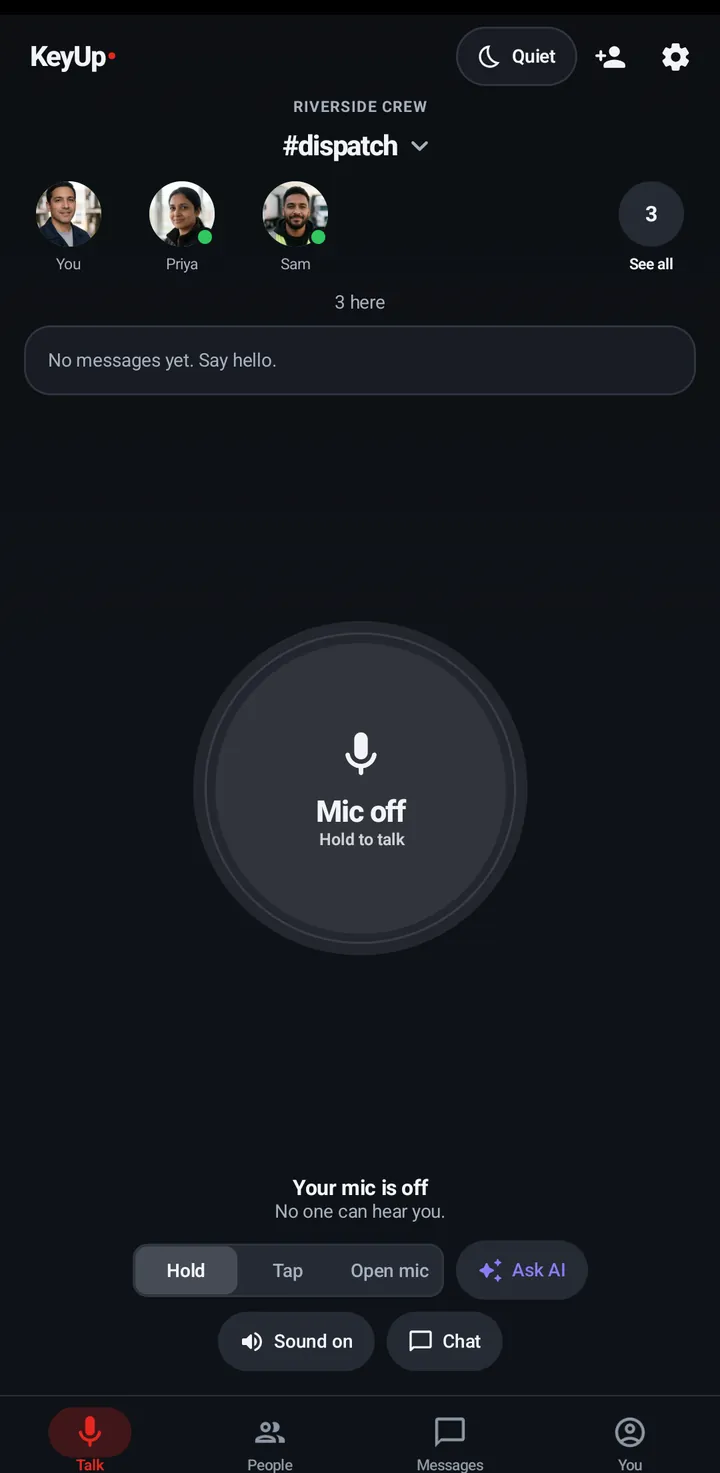
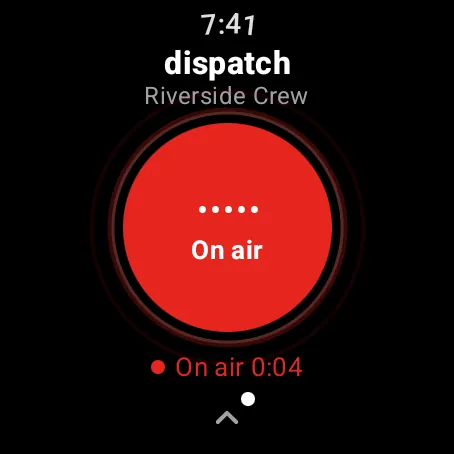
A restaurant can use KeyUp as a walkie-talkie between kitchen, expo, host stand and floor. Staff talk with one button on their own phone or a crown turn on a watch, over the restaurant Wi-Fi, with no radios to charge.
How it works.
-
A room per station
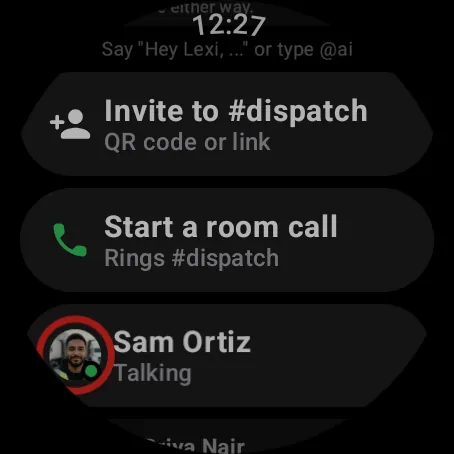
Kitchen, floor and host, or one room for the whole shift. Switch rooms with a swipe.
How to -
Short and quick
Talk time limits keep messages short; one person talks at a time.
How to -
Watch on the wrist
A crown turn talks without touching a screen with wet or full hands.
How to -
Catering and events staff
Guest passes add temporary staff to a room for the night.
How to -
Quiet on break
Go off in a room for your break or mute a room for an hour.
How to
The honest limits.
- Each person needs a phone or watch with KeyUp, or the web app on a shared tablet or computer.
- KeyUp needs Wi-Fi or mobile data. It is not an offline radio.
- It is a work and family tool, not an emergency or safety device.
Questions.
Can staff use their own phones?
Yes. KeyUp runs on Android phones, Wear OS watches and any browser, including iPhone in Safari. Staff never pay.
Will customers hear it?
Use earbuds or headphones through the phone, or the watch speaker at low volume.
What does it cost?
Free during the beta. After that: Free for up to 3 people, Family $5.99 a month for 6, and Crew from $24.99 a month for 10 people. The Space owner pays; members and guests never do.
Free during the beta.
Join the beta for Android phones and Wear OS watches, or try a shift in your browser first.