Families and friends
A walkie-talkie for the whole family.
At the park, on the ski hill, at a festival or across town: hold the button and everyone hears you. No radios to buy, charge or lose.
The short answer
KeyUp is a family walkie-talkie app for Android phones, Wear OS watches and iPhone (the app, or Safari). It is free for up to 2 people, and the Plus plan covers 5. It works anywhere you have Wi-Fi or mobile data.
How it works.
-
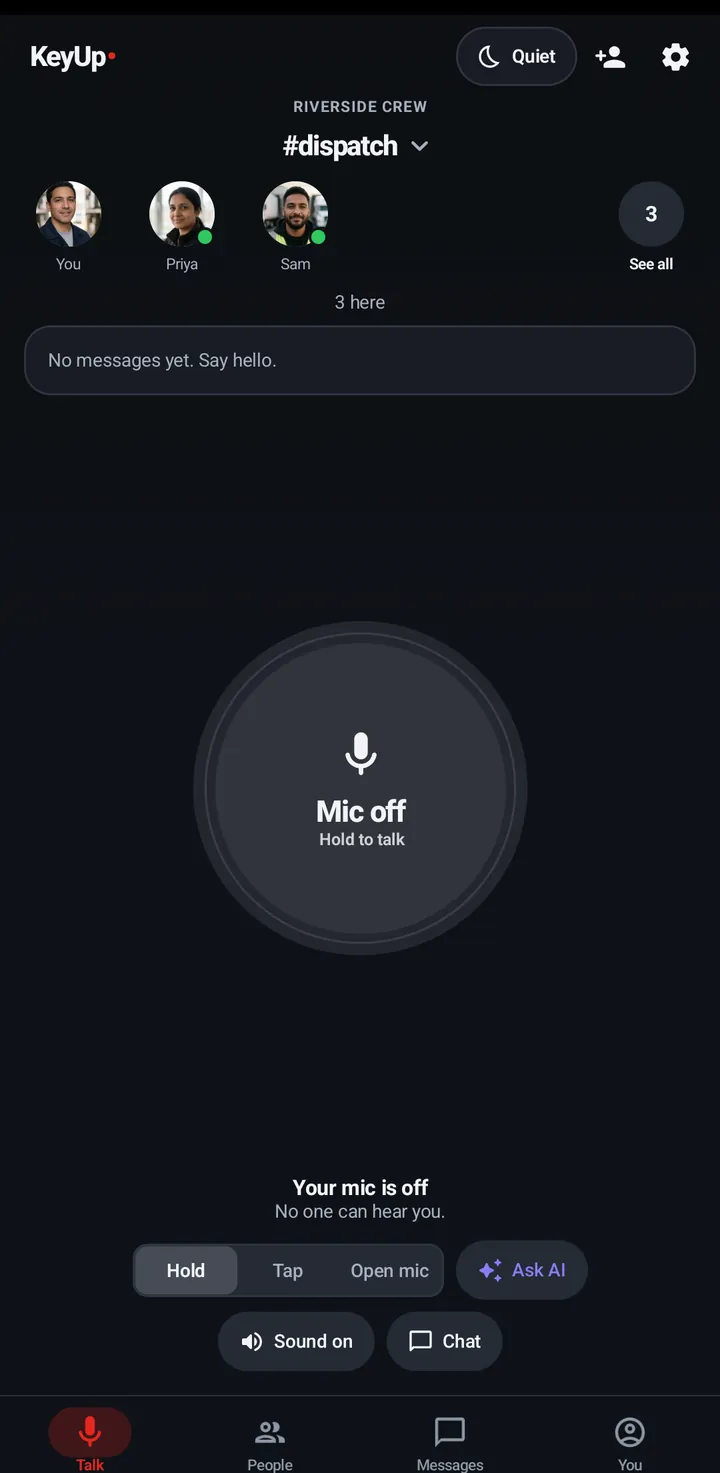
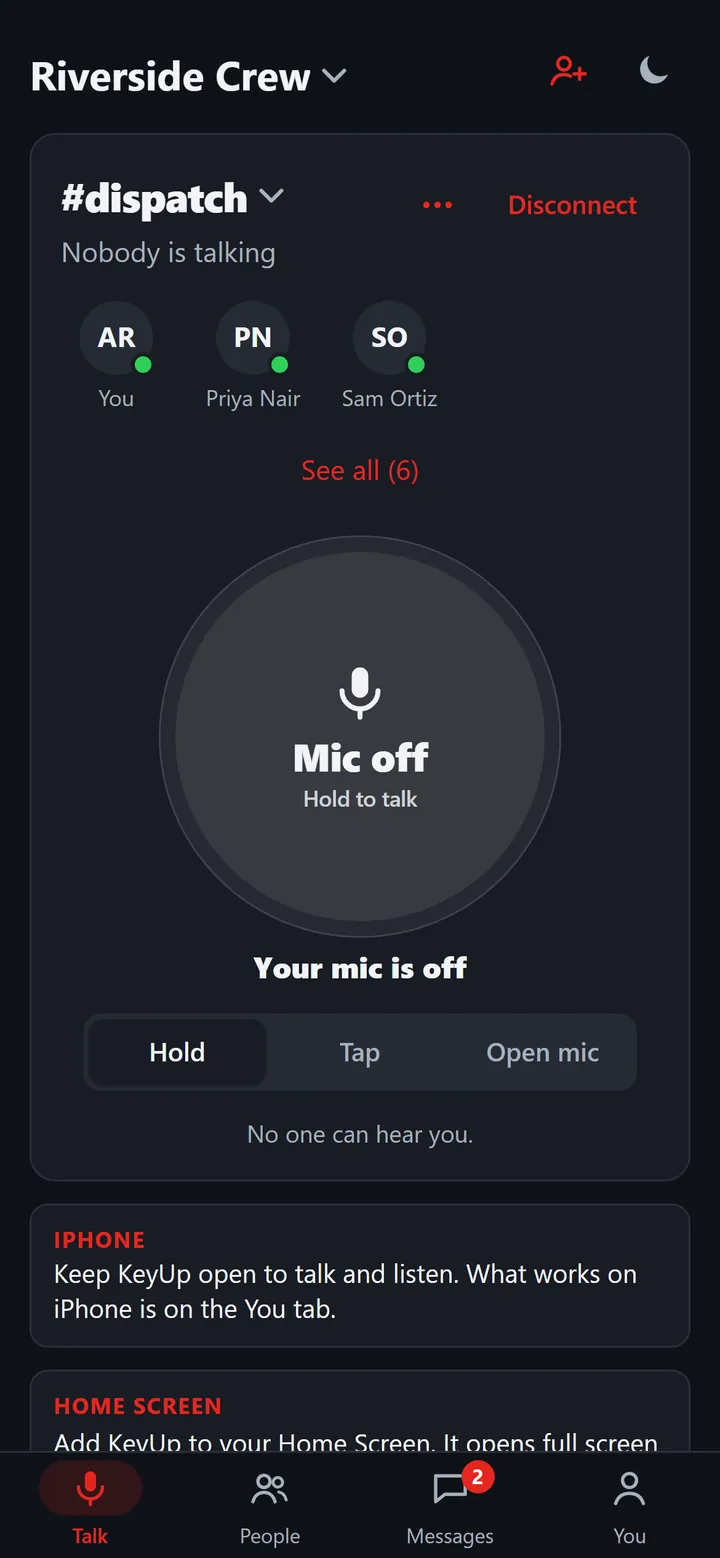
Hold and talk
One big button. Everyone in the room hears you, wherever they are.
How to -
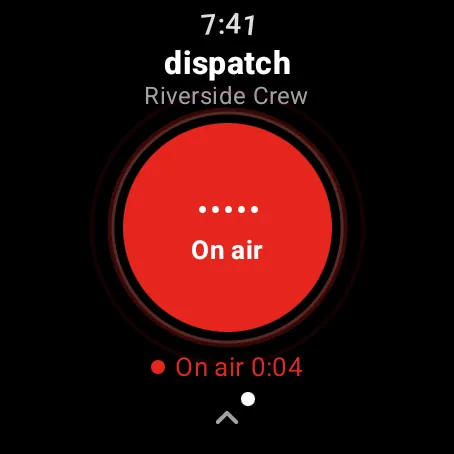
From a watch
Turn the crown and talk, handy when your hands are full.
How to -
Messages and calls too
Chat, photos, voice notes and calls in the same app.
How to -
Visiting friends
A guest pass lets a friend join for the day without an account.
How to -
Teens by invitation
Accounts are for 14 and up; teens join a Space by invitation and owners are adults.
How to
The honest limits.
- KeyUp has an iPhone app and an Apple Watch app. In Safari, KeyUp talks only while the page is open.
- KeyUp needs Wi-Fi or mobile data. It is not an offline radio.
- It is a work and family tool, not an emergency or safety device.
Questions.
Is it free?
Free covers 2 people and Plus covers 5 for $4.99 a month or $39 a year.
Does it work across town?
Yes. There is no range limit as long as everyone has Wi-Fi or mobile data.
Can kids use it?
Accounts are for people 14 and older. Teens join by invitation from an adult who owns the Space, and only friends can start direct messages and calls with them (once a teen messages someone first, that person can reply). In some US states, like Texas, new accounts for people under 18 aren’t possible, and where state law asks for it, a parent approves KeyUp in Google Play.
Free for 2 people.
Get KeyUp on Google Play for Android phones and Wear OS watches, or try a shift in your browser first.