Events and venues
Run the event from every wrist.
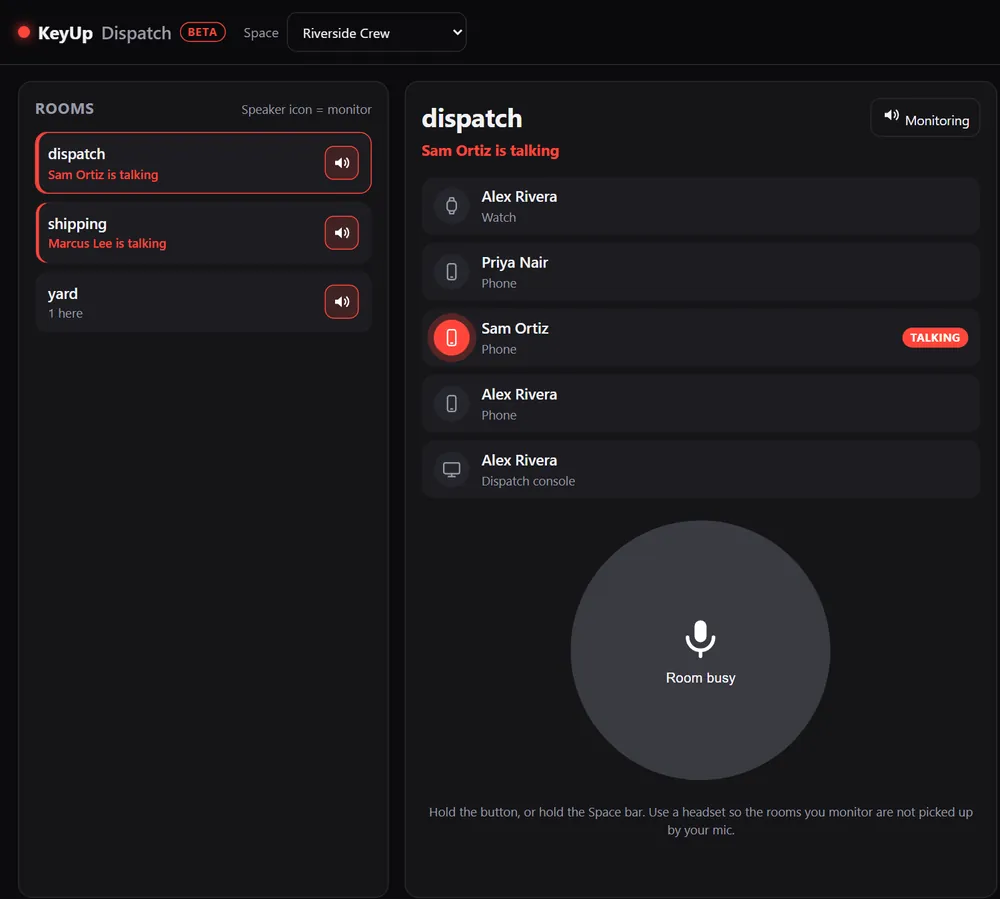
Stage, doors, bar and load-in each get a room. Day staff join with a guest pass, production watches every room from a laptop, and the radios you already rent can join through Radio Bridge (beta).
The short answer
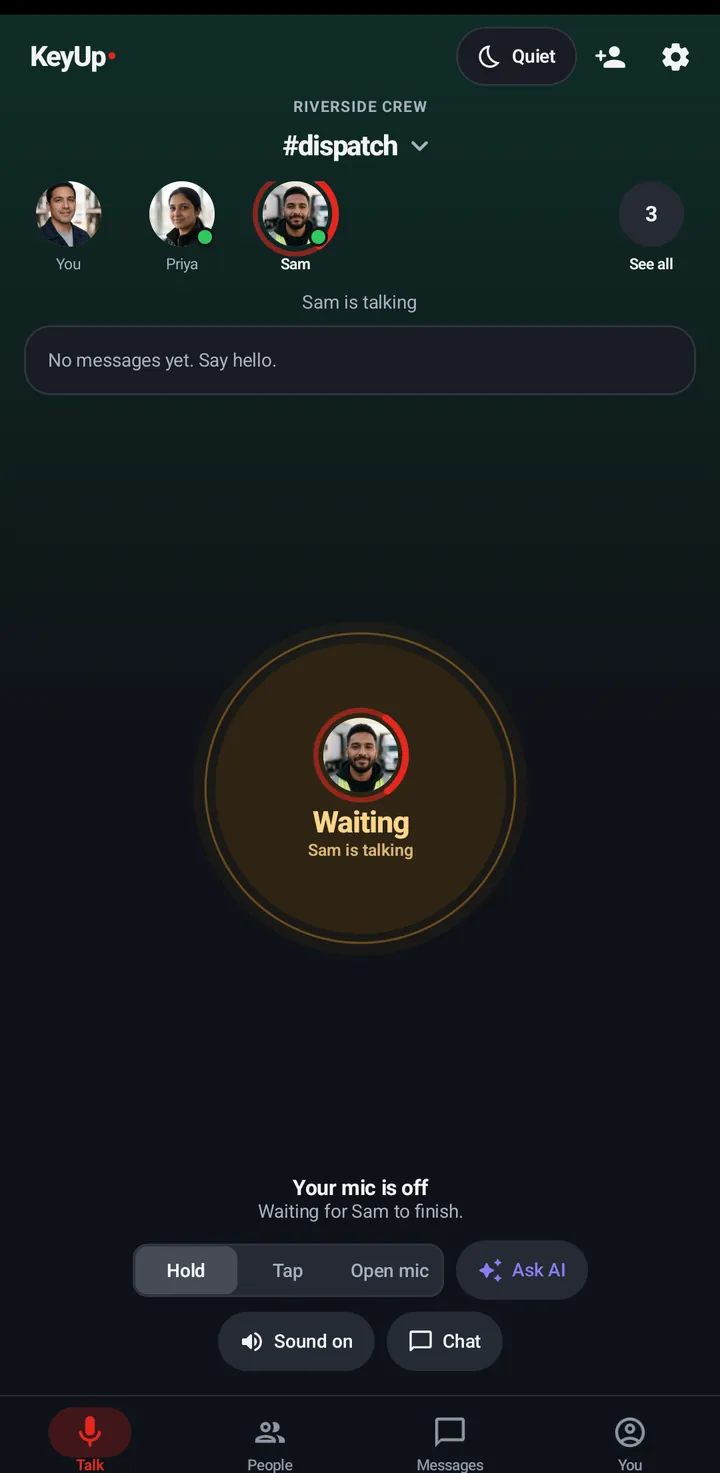
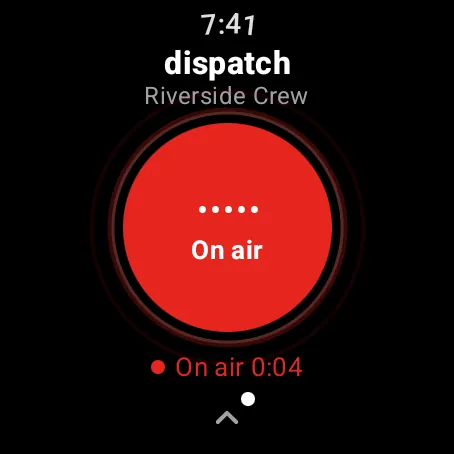
For events, KeyUp works as a walkie-talkie on staff phones and watches. Make a Space for the event, rooms per area, hand out guest passes for the day, and run it from the browser dispatch console.
How it works.
-
Rooms per area
Stage, doors, bar, load-in. Leads listen to two rooms at once.
How to -
Day staff in a minute
A guest pass link or QR code joins a room with just a name, and ends by itself.
How to -
Production console
Monitor rooms and talk from any computer.
How to -
Rented radios too
Radio Bridge (beta) brings a two-way radio into a room.
How to -
Page someone who is off
Owners and admins can send one urgent page to a member who has gone off in a room.
How to
The honest limits.
- Crowded venues can overload mobile data. Use venue Wi-Fi where you can and test before doors.
- Radio Bridge is in beta and not yet tested with real radio hardware.
- KeyUp needs Wi-Fi or mobile data. It is not an offline radio.
- It is a work and family tool, not an emergency or safety device.
Questions.
How many guests can join?
Crew plans allow 10 guests at a time; Business allows more. Guests don’t count as people on your plan.
What does it cost?
Free during the beta. After that: Free for up to 3 people, Family $5.99 a month for 6, and Crew from $24.99 a month for 10 people. The Space owner pays; members and guests never do.
Free during the beta.
Join the beta for Android phones and Wear OS watches, or try a shift in your browser first.