What Radio Bridge is (Beta)
Connect one KeyUp room to a real two-way radio, so people on KeyUp and on radios hear each other. What you need to get started.
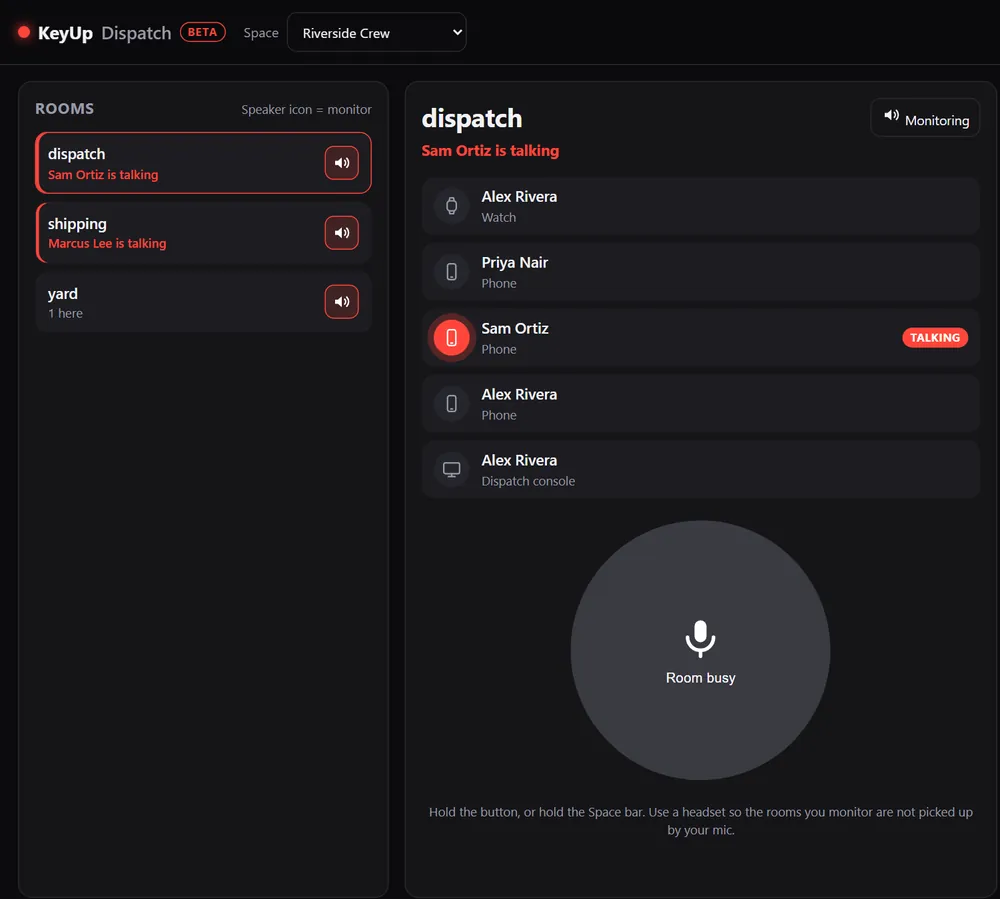
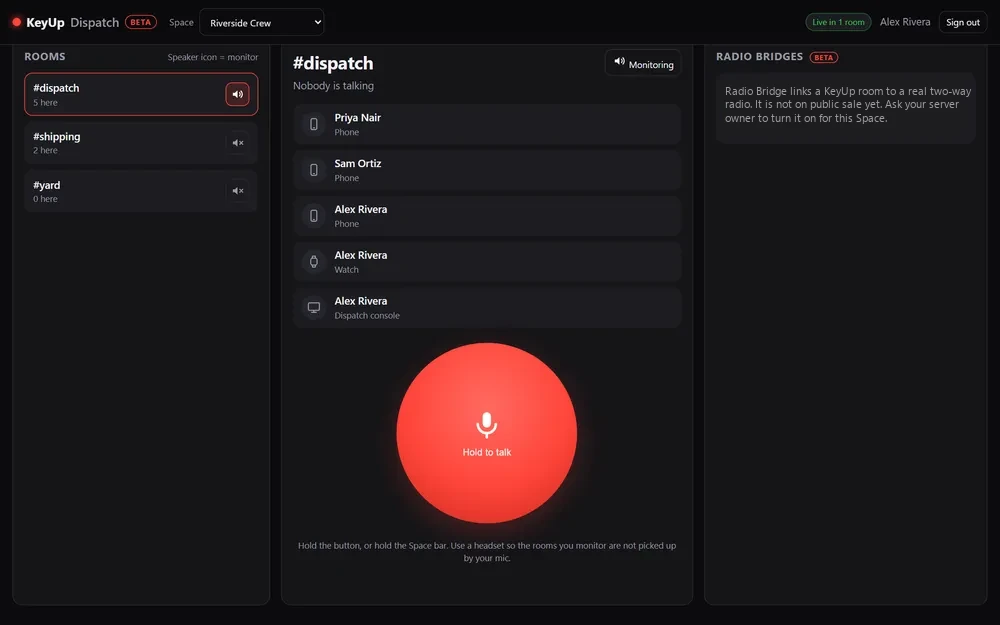
A small gateway app runs on a Windows PC or Raspberry Pi next to the radio, with a USB sound interface cabled to the radio. The radio shows up in the room like a person, with a radio icon.
What Radio Bridge is
- When someone talks in KeyUp, the gateway keys the radio, plays the talk, and lets go after a short hang time.
- When the radio receives, the bridge takes the room and everyone in KeyUp hears it.
- Owners and admins manage bridges in the dispatch console’s Radio bridges panel.
What you need for Radio Bridge
A starter kit is an AIOC cable, a licensed business handheld and a Raspberry Pi 4.
- A radio certified for your frequency, handheld or mobile, with an audio and push-to-talk connection the interface can use (usually a speaker/mic accessory jack). It has not been tested on specific radio models yet. To talk to it from KeyUp you also need an FCC business radio license (see Radio Bridge licenses); listen-only needs no FCC Part 90 license, on a channel you are licensed or authorized to use.
- A USB radio interface: an AIOC (All-In-One-Cable, about $20 to $35) for handhelds with a Kenwood-style 2-pin jack, or a Digirig Mobile with a radio cable (about $55 to $85), or another CM108-style interface with a talk line.
- A gateway computer that stays next to the radio: a Raspberry Pi 4 or 5, or a Windows 10 or 11 PC. You can download the gateway for Windows or Raspberry Pi from the Radio Bridge download page.
- A Crew or Business Space with Radio Bridge added (see Radio Bridge add-on: price and billing), or a Space on any plan during a free 30-day start.
Still stuck? Email [email protected]. Tell us your phone and watch model and what you tried.