Call a person, and private calls
A regular audio call with a friend or someone in your Spaces, from phone, watch or web, and a private 1-to-1 call (beta).
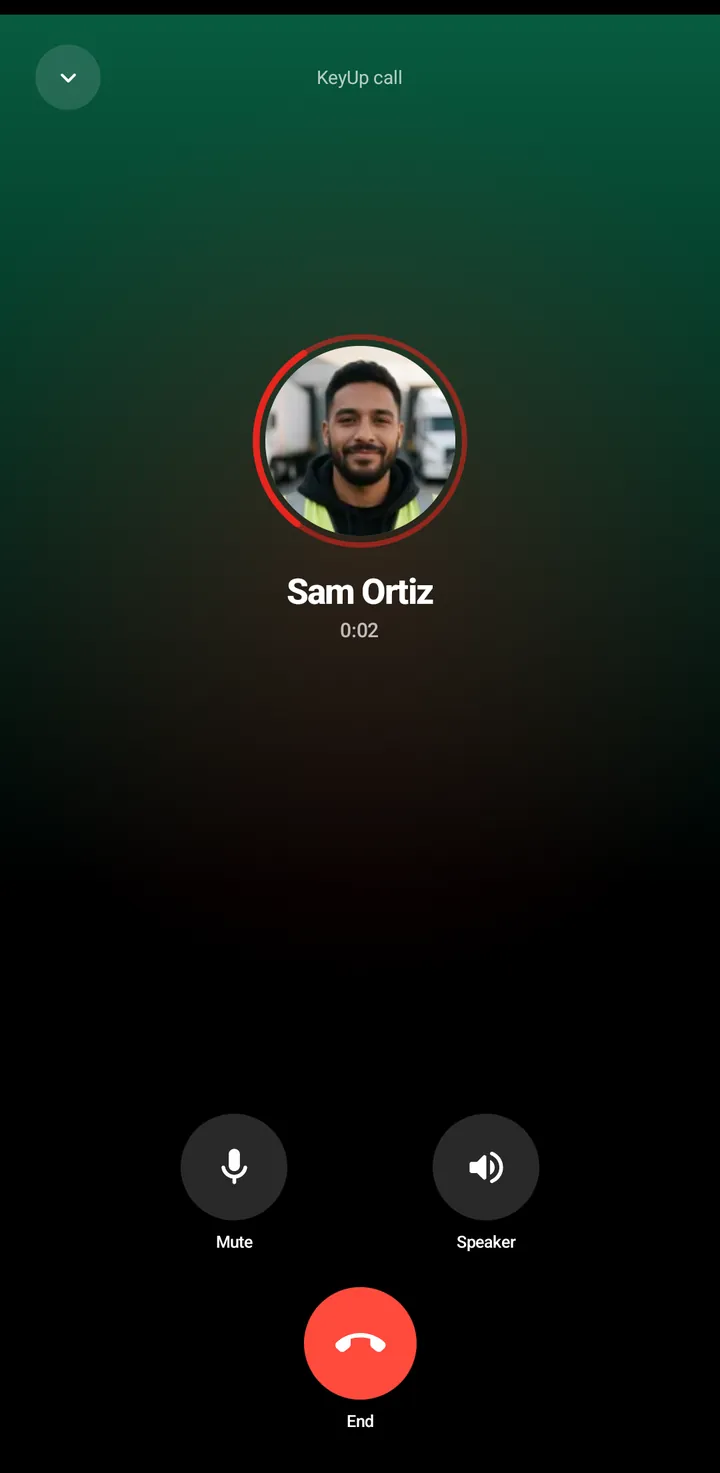
The call screen has Mute and End (and Speaker on the phone). If the person has Quiet on, the call is declined at once and you are told, unless they let calls through. If they are away, you see they may be slow to answer.
Call a person
Phone
- Tap Call on a person’s sheet, a friend row, the chat header, or the call-back button in People › Recent calls.
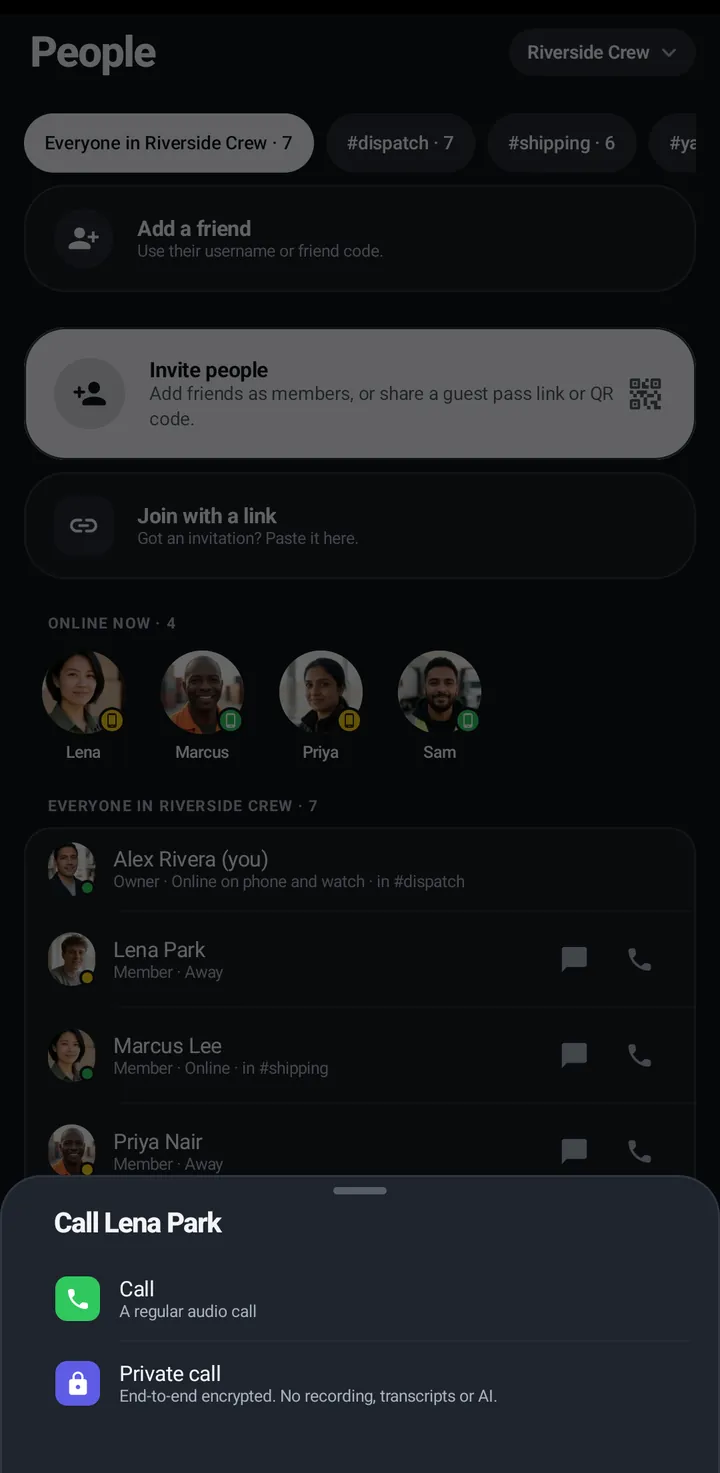
- Pick Call (a regular audio call) or Private.
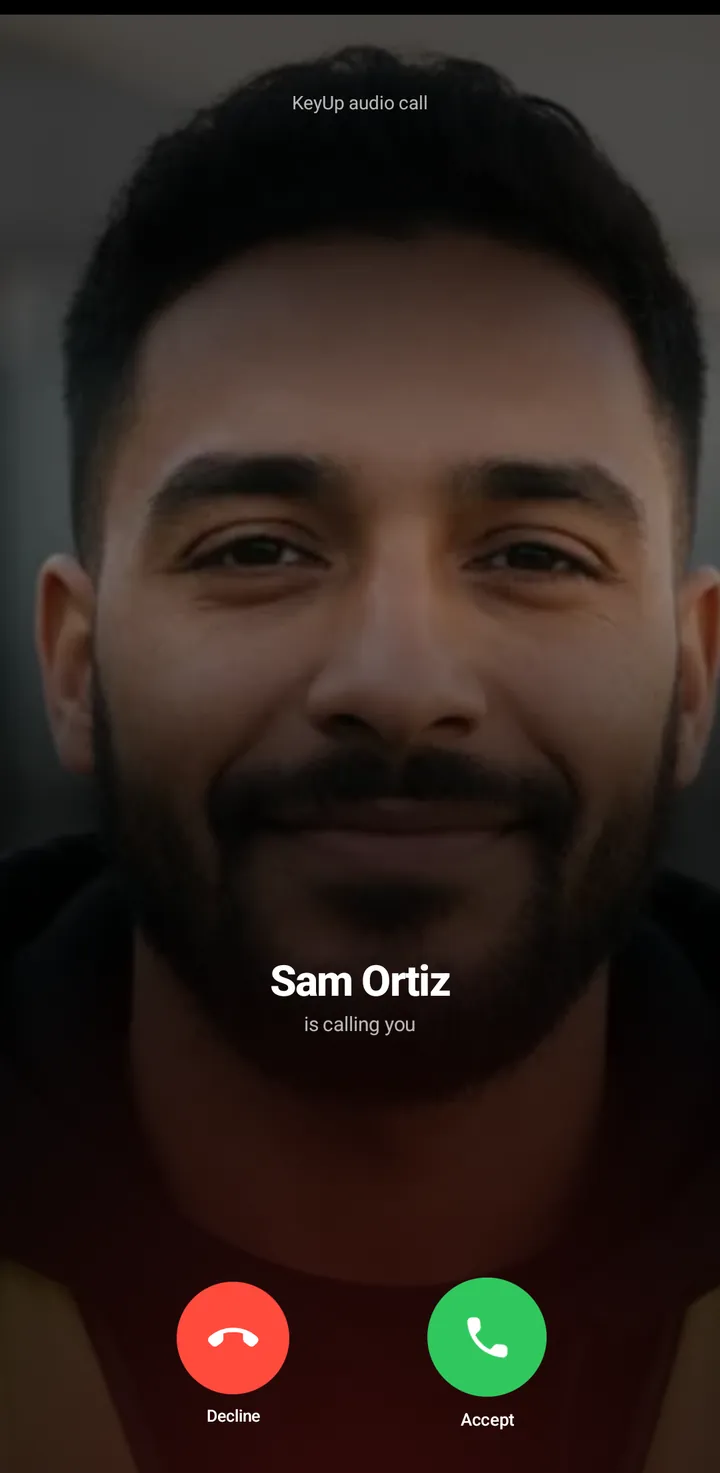
- A ringing call shows the caller’s picture with Accept and Decline.
- Minimize call turns the call into a green pill at the top. Tap the pill to return.
Watch
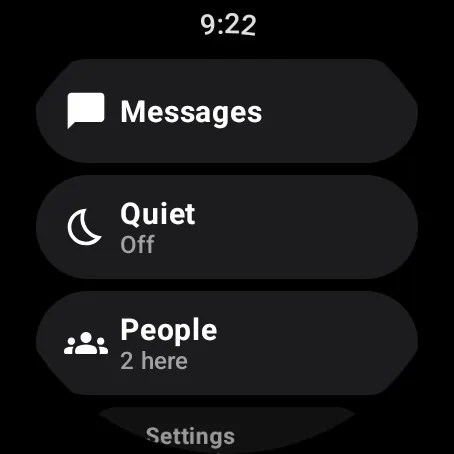
- Swipe up, Call someone, or a person’s screen › Call.
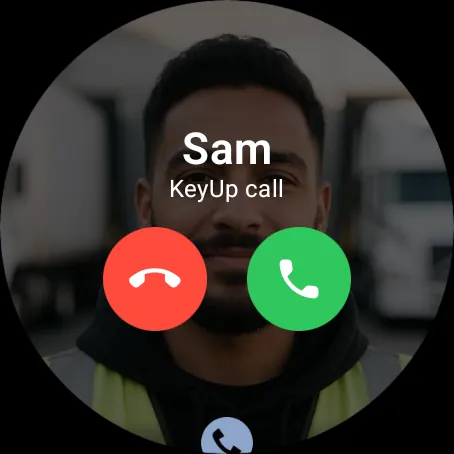
- Ringing: Accept and Decline. Active: Mute and End.
Web app and iPhone
- Tap the phone icon on a friend row or in a direct message. The call screen has Mute and End.
- Call audio works while the page is open.
Private calls
A private call is end-to-end encrypted. Both people can compare a Safety code on the call screen: if the codes match, nobody in the middle is listening, unless a device is already compromised. Codes don’t match ends the call. Private calls are in beta and have not been independently reviewed yet.
Phone
- Tap Call on a person, then choose Private.
- The active call shows a lock and Safety code. Tap it to show it large and compare it with the other person.
Watch
A person’s screen › Private call (End-to-end encrypted).
Web app
Choose Private call where the browser supports it. If it can’t start you see Couldn’t start a private call with Call normally.
iPhone
In Safari on iPhone it works only if Safari has what encrypted calls need. If it does, the call button offers Private call; if it doesn’t, use the Android phone or the watch. The iPhone app (in private testing) has private calls while it is open.
Still stuck? Email [email protected]. Tell us your phone and watch model and what you tried.