Space settings
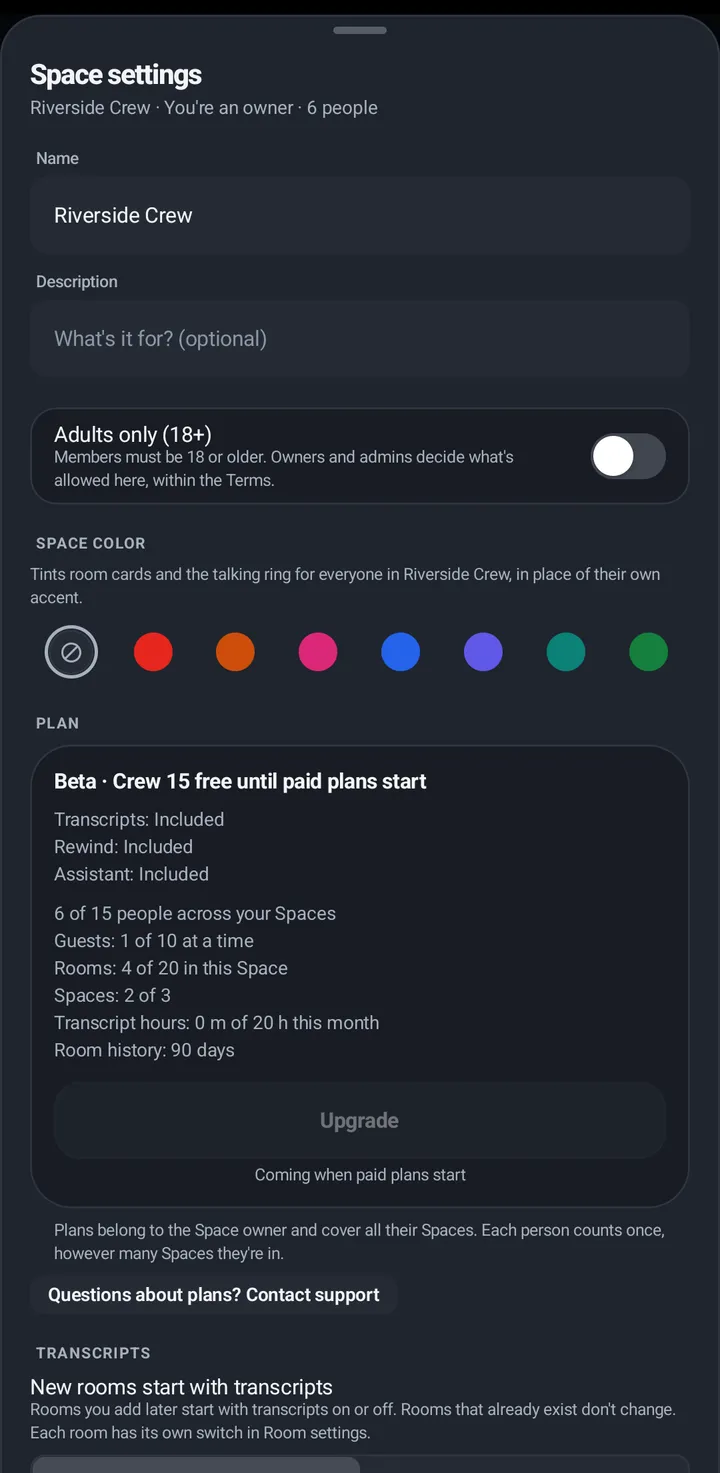
Name, Adults only, Space color, your plan, transcripts, the assistant, calls, members, reports and more.
Owners and admins run the Space from Space settings. Members see it read-only.
Phone
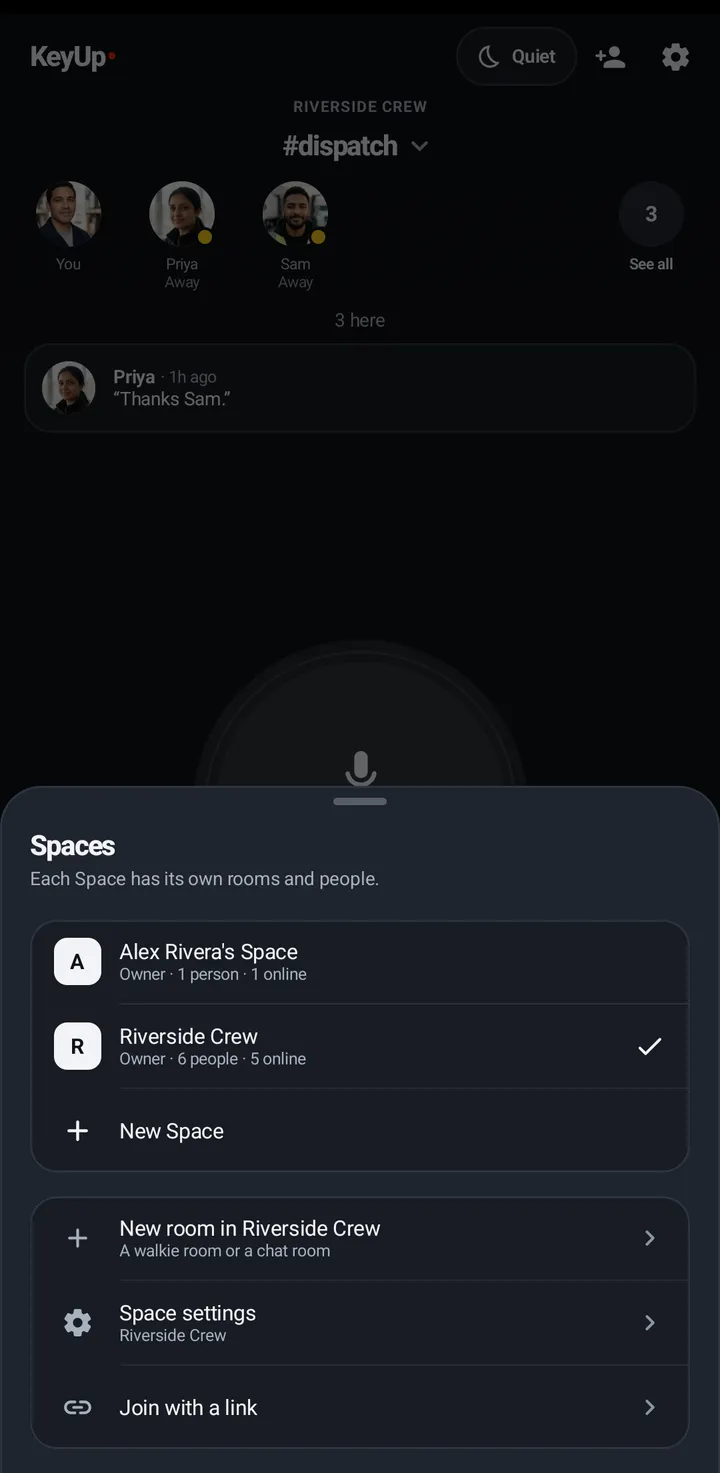
- Open Your rooms, tap the Space name › Manage Spaces › Space settings.
- You find: name, description, Adults only (18+), Space color, the Plan card, New rooms start with transcripts and transcript hours (when the plan has transcripts), the room assistant, calls, members and roles, reports, Invitations sent and activity.
- At the bottom: Archive Space, Transfer ownership, Leave Space and Delete Space.
Watch
Not on the watch. Use the phone.
Web app and iPhone
Not in the web app. Use the Android phone.
Still stuck? Email [email protected]. Tell us your phone and watch model and what you tried.