Your rooms and Spaces: switch and star
See the walkie and chat rooms of your Space, move to another one, star your favorites, and switch between Spaces like work and family.
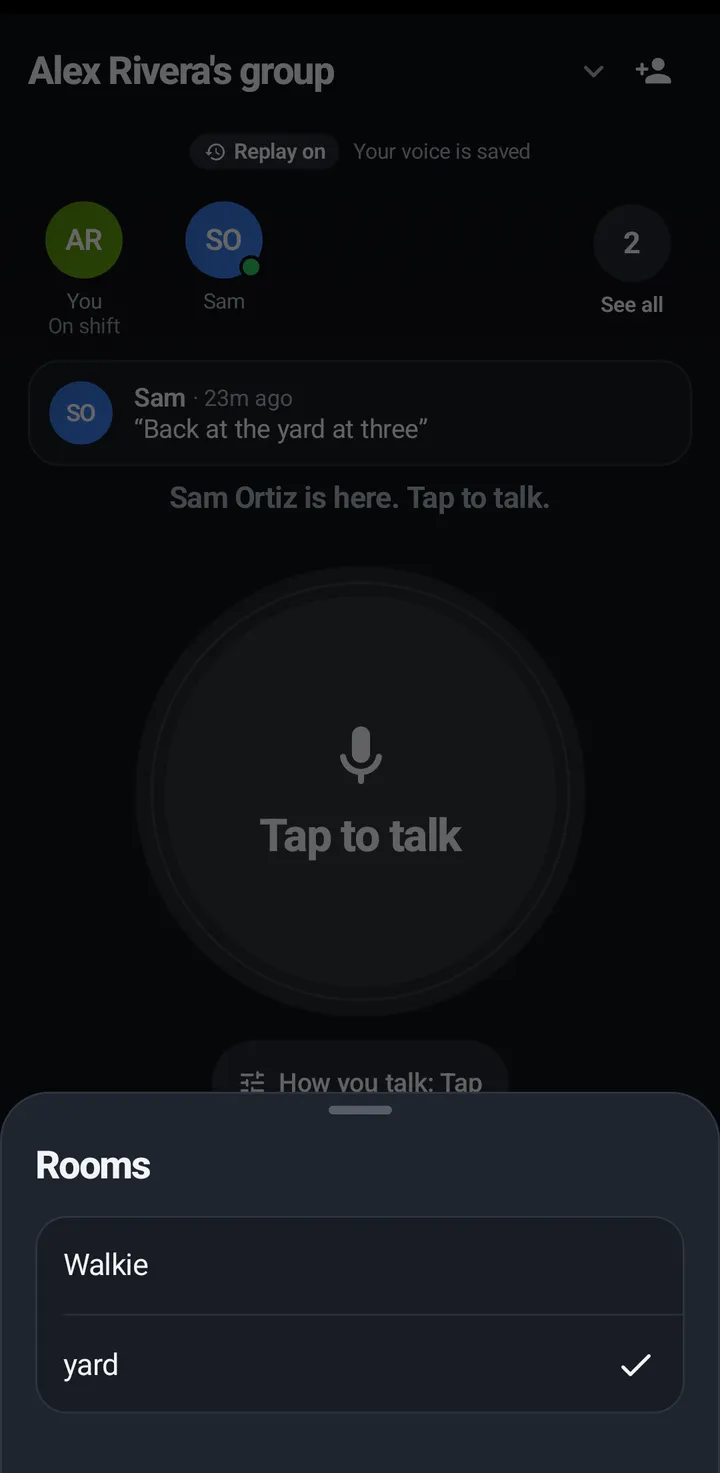
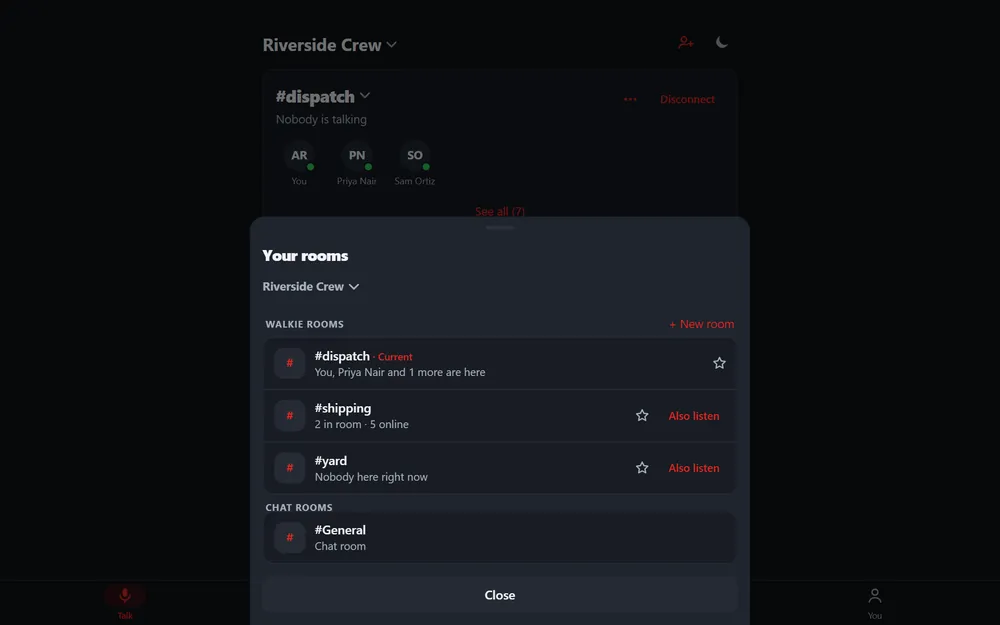
A Space has walkie rooms (talk live, plus messages) and chat rooms (messages only). Your rooms lists them, with the room you are in marked Current.
Switch rooms
Phone
- On the Talk tab, tap the room pill (the #room name under the Space name).
- Tap a room. With Ask before switching rooms on, KeyUp first asks Switch to #room?
iPhone
In the iPhone app (in private testing), the room you are in is the Talk tab too. Tap the #room name at the top for Your rooms: switch rooms or Spaces without leaving, star rooms, open a chat room, and touch and hold a room for Also listen, Mute this room and Room settings. Leave is at the bottom of the room page. A guest sees the rooms list with the room on top under Current room.
Watch
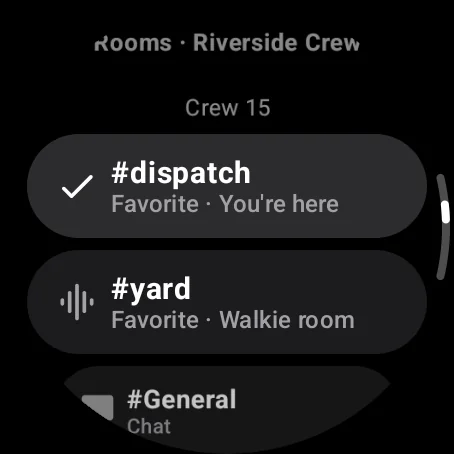
- Swipe left or right on the talk screen. A Switch to #room? screen with Switch and Cancel shows for 4 seconds.
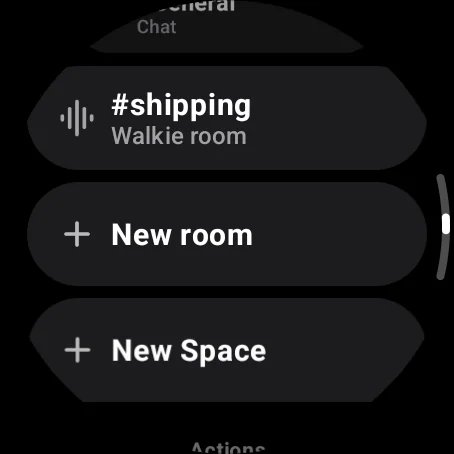
- Or swipe up to Rooms and tap one.
Web app and iPhone
Tap the #room pill on the Talk tab for Your rooms. With no room open, the room lists show on the Talk tab.
Favorite rooms
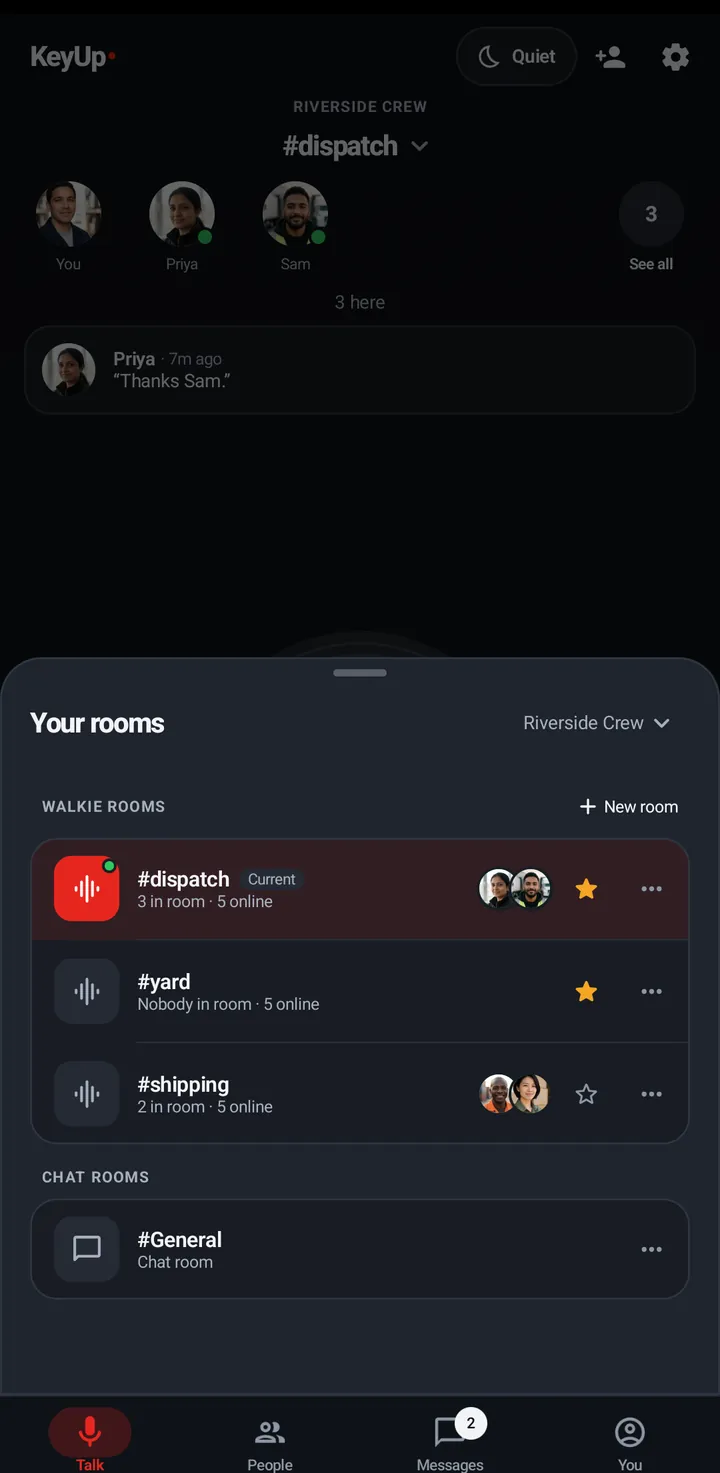
Starred walkie rooms come first, in the order you starred them. Stars are saved on your account, so every device shows the same ones.
Phone
Tap the star on a room row in Your rooms or the Talk list.
Watch
Swipe up, In this room › Add to favorites (or Remove from favorites).
Web app and iPhone
Tap the star next to a room in Your rooms.
Switch Spaces
A Space is a group of people with its own rooms. If you are in more than one, switch between them here.
Phone
Open Your rooms and tap the Space name at the top to pick another Space.
Watch
Swipe up, Rooms › Switch Space. Each tap goes to your next Space.
Web app and iPhone
Tap the Space name at the top of the Talk tab to open Switch Space.
Still stuck? Email [email protected]. Tell us your phone and watch model and what you tried.