Manage guests: keep one, or end a pass
Owners and admins: keep a guest who asks to stay, say no thanks, or end someone’s guest pass early.
A guest who made an account can ask to stay in your Space. You choose Keep, No thanks or Keep all. You can also end a guest pass early, and the guest leaves at once.
Keep guests who ask to stay
When a guest makes a free account and taps Ask to stay, owners and admins see the request under Asking to stay on the People tab. Keep makes them a member of the rooms they had as a guest. No thanks lets their guest pass end as planned.
Phone
- Open the People tab. Asking to stay shows who is asking, in which rooms, and when.
- Tap Keep or No thanks on each one, or Keep all to keep everyone who is asking.
- Is the person under 18, and does the Space have other guests? KeyUp asks first: This Space has 3 guests. Adding someone under 18 ends their passes. Continue? See Teen accounts.
Web app and iPhone
- Open the People tab. Asking to stay lists each request with Keep and No thanks, and Keep all keeps everyone who is asking.
- The same question comes first when the person is under 18 and the Space has other guests.
- On an iPhone this is how you answer from the web app.
Watch
Not on the watch. Use the phone or the web.
End a guest pass early
Owners and admins can end a guest’s pass any time.
Phone
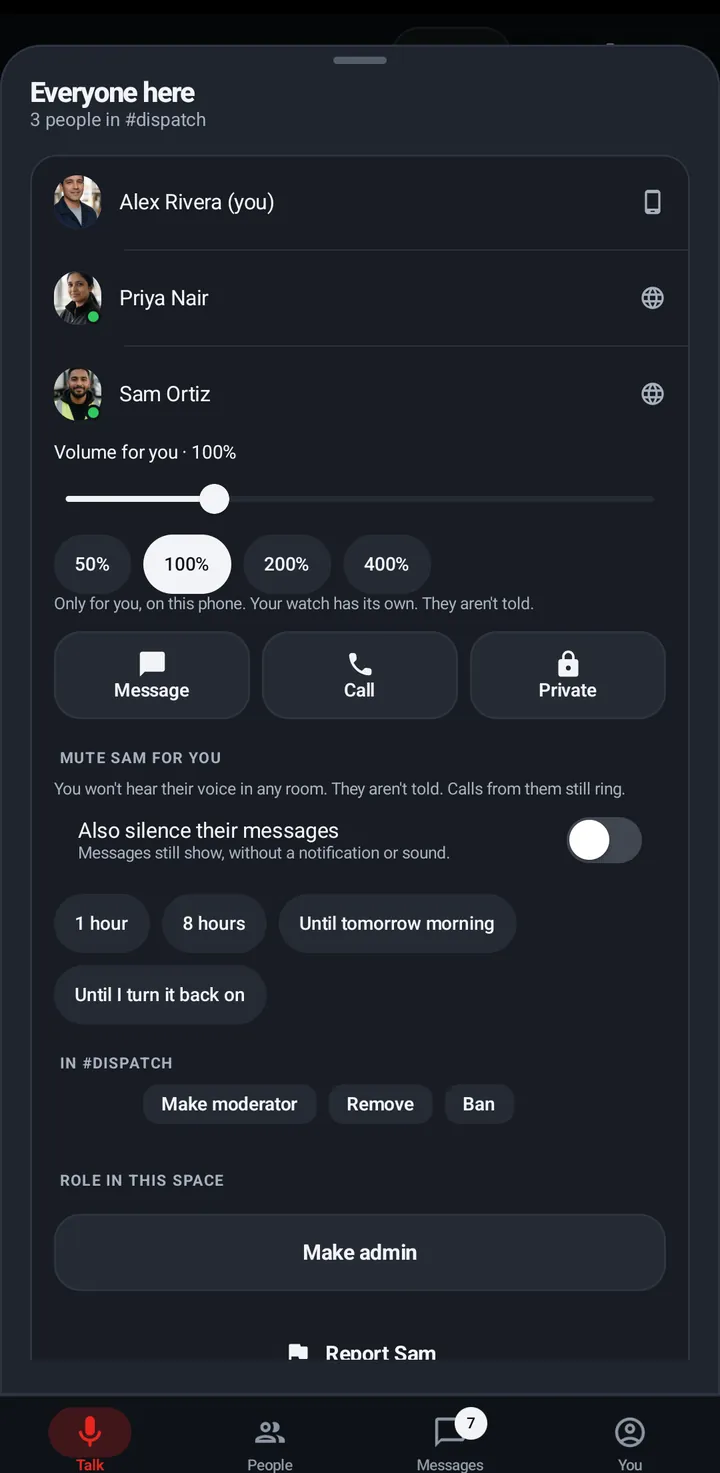
A guest’s person sheet, or the room’s people list › End guest pass.
Web app and iPhone
A guest’s person sheet › End guest pass.
Watch
Not on the watch.
Still stuck? Email [email protected]. Tell us your phone and watch model and what you tried.