Download or email your data
A text copy of your account, rooms and messages in one file. No photos or voice notes.
The file has your profile, messages you sent, transcripts of your own words, friends (names), Spaces and rooms, devices, settings, every call in your history, your direct chats with their Delete messages after setting, your questions to the assistant, assistant memories, and problem reports. It never includes passwords, keys or other people’s private details.
Download my data
Phone
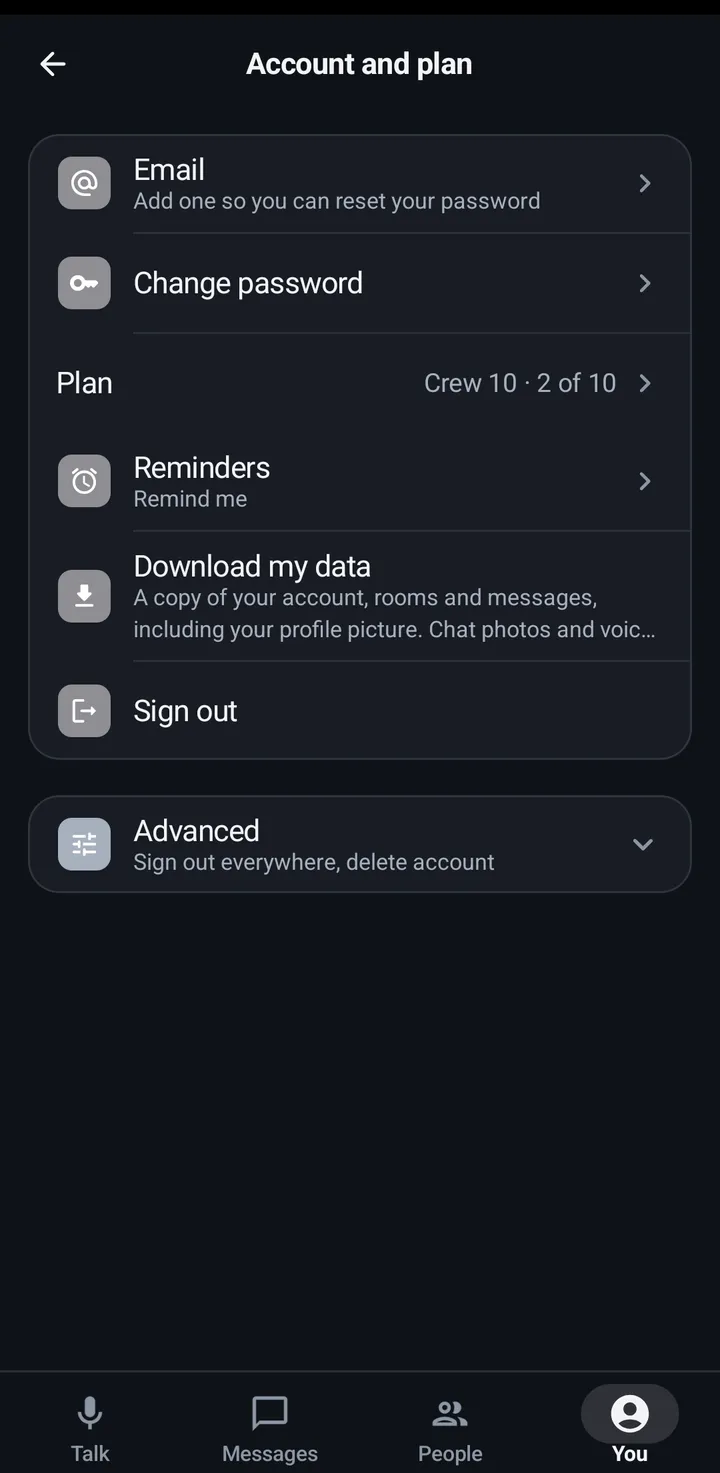
You › Account and plan › Download my data (“A text copy of your account, rooms and messages. No photos or voice notes.”). Share or save the file.
Watch
Settings › You › Account › Advanced › Download my data: Get my data, then share to an app on the watch.
Web app and iPhone
You › Account › Download my data.
Email my data to me
Web app and iPhone
You › Account › Email my data to me. It shows when your account has a confirmed email.
Phone
Phone and watch download the file. Only the web app emails it.
Still stuck? Email [email protected]. Tell us your phone and watch model and what you tried.