Warehouses and distribution
Push-to-talk built on a warehouse floor.
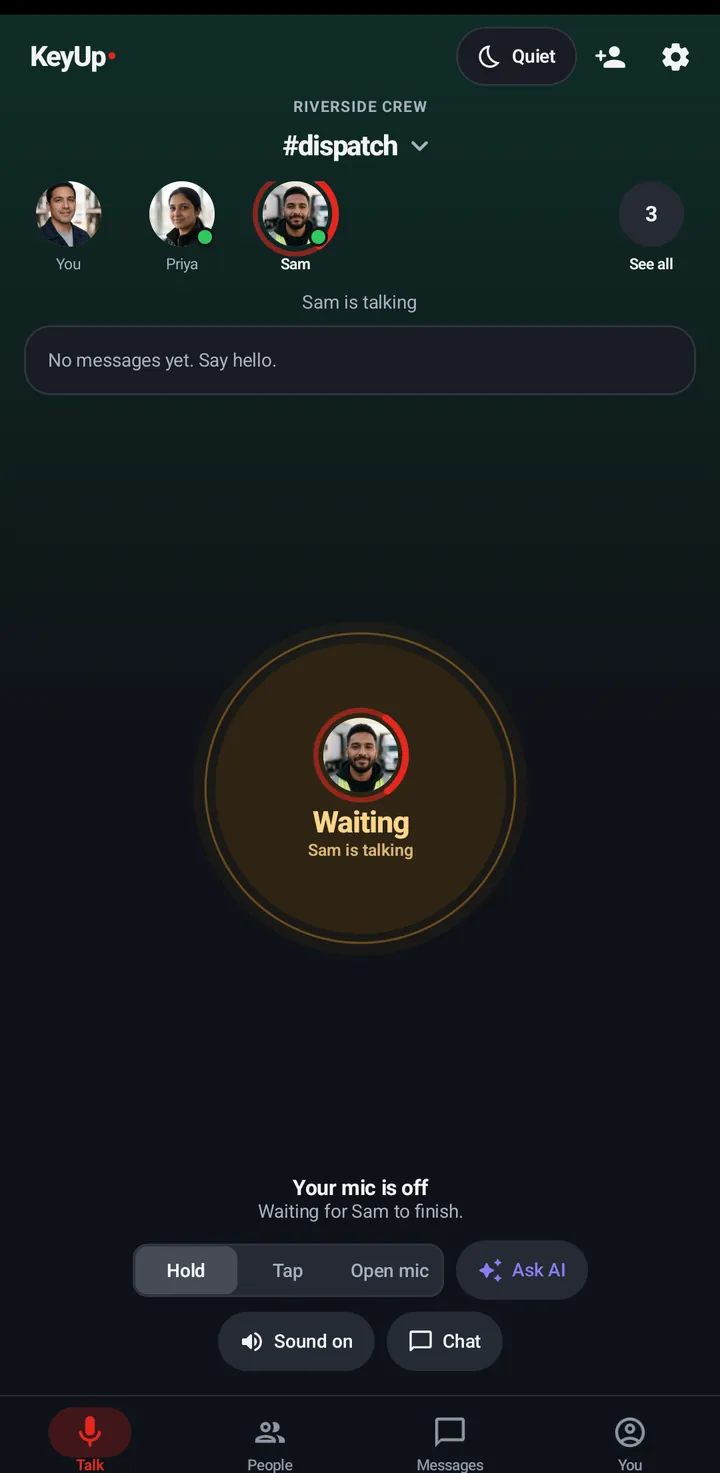
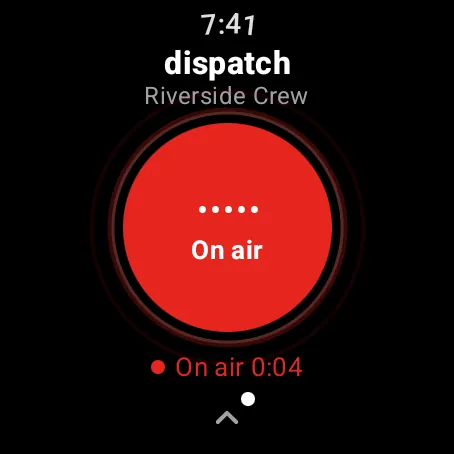
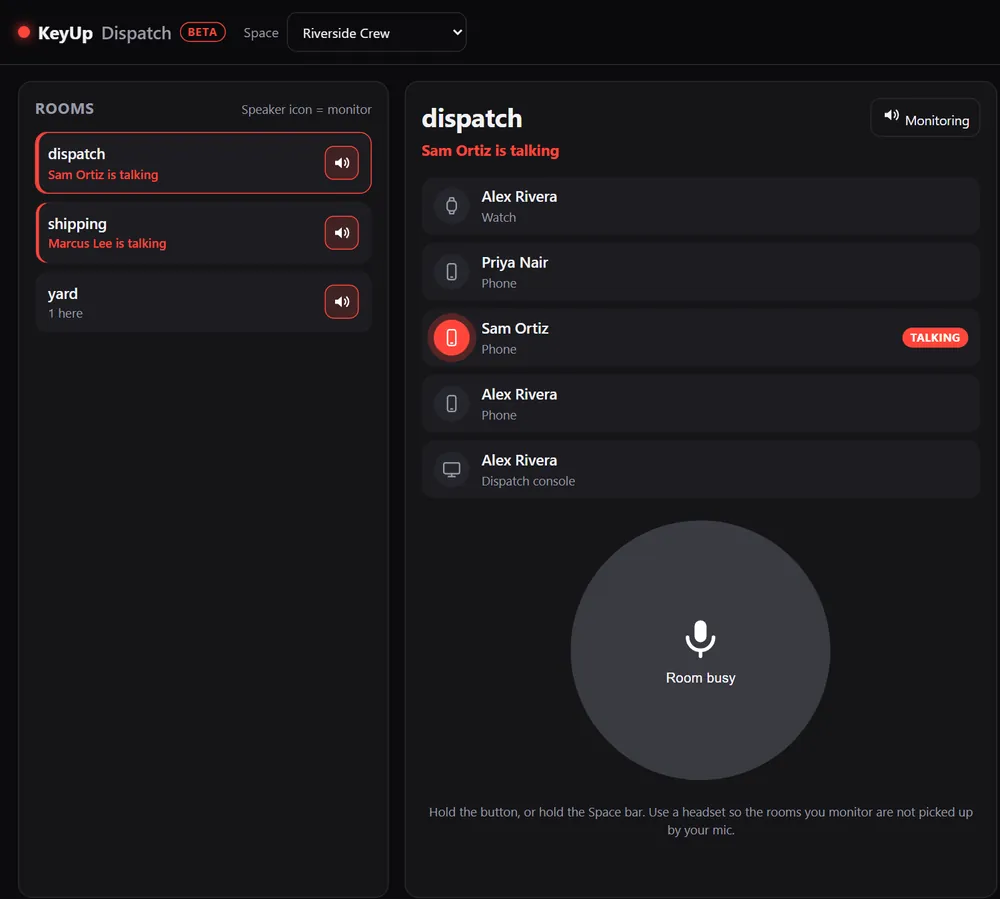
KeyUp started where people needed to talk without putting down a scanner. Rooms for the dock, picking and the yard; talk from a watch with a crown turn; the office follows along on a computer.
The short answer
For a warehouse, KeyUp replaces handheld radios with the phones and watches people already carry. Set up rooms like #dock, #picking and #yard, and talk with one button, a crown turn or open mic over the building Wi-Fi or mobile data.
How it works.
-
Rooms like your floor
One Space for the building with rooms per area. Leads can listen to two rooms at once.
How to -
Hands full? Use the watch
Turn the crown to talk without looking, or raise your wrist (experimental).
How to -
Loud floor
Mic boost, volume boost and even out voices help on a loud floor; headphones work through the phone.
How to -
Temps and drivers
Guest passes let a temp or a driver join one room for a shift, no account needed.
How to -
Catch what you missed
With Rewind on, replay the last messages in a room. Off by default, and everyone chooses for themselves.
How to -
The office console
Monitor every room from a computer and talk with the Space bar.
How to
The honest limits.
- Wi-Fi dead spots matter. Check coverage in freezers, trailers and the yard, or use mobile data.
- KeyUp needs Wi-Fi or mobile data. It is not an offline radio.
- It is a work and family tool, not an emergency or safety device.
Questions.
Does it work in a big building?
Anywhere the phone or watch has Wi-Fi or mobile data. There is no range limit between people beyond that.
Can people who stay on radios join?
Radio Bridge (beta) connects one radio to one KeyUp room. It is not yet tested with real radio hardware.
What does it cost?
Free during the beta. After that: Free for up to 3 people, Family $5.99 a month for 6, and Crew from $24.99 a month for 10 people. The Space owner pays; members and guests never do.
Free during the beta.
Join the beta for Android phones and Wear OS watches, or try a shift in your browser first.