Use the dispatch console (Beta)
Follow several rooms from a computer, see who is talking everywhere, and talk with the Space bar.
The KeyUp Dispatch console is a web page for someone who follows several rooms at once. It is part of Radio Bridge and is in Beta.
Dispatch console
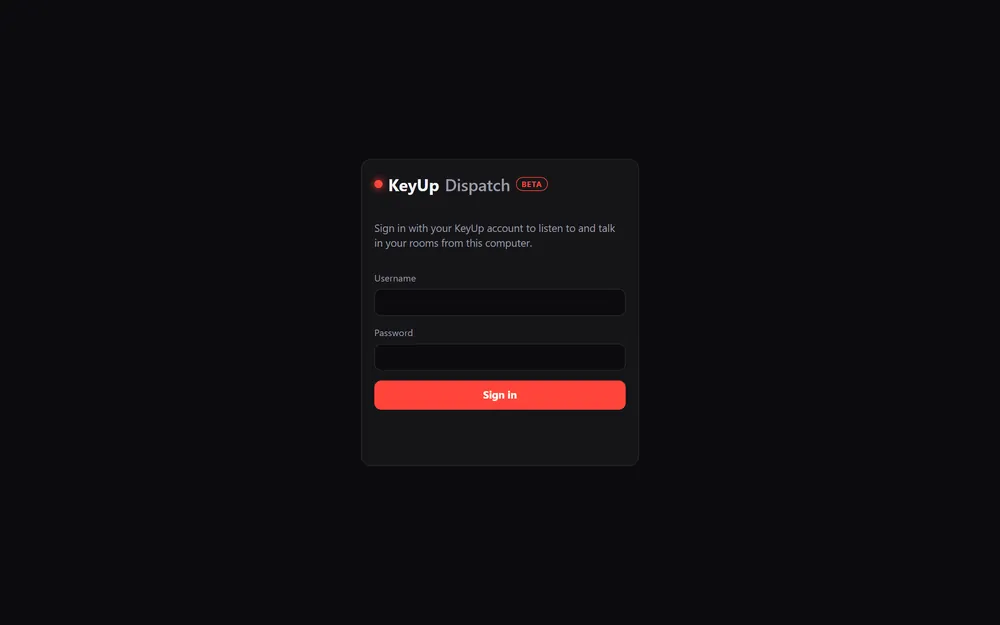
- Open the console link from your Space owner and sign in with your KeyUp username or email and your password. It shows up in your devices as a “Dispatch console”.
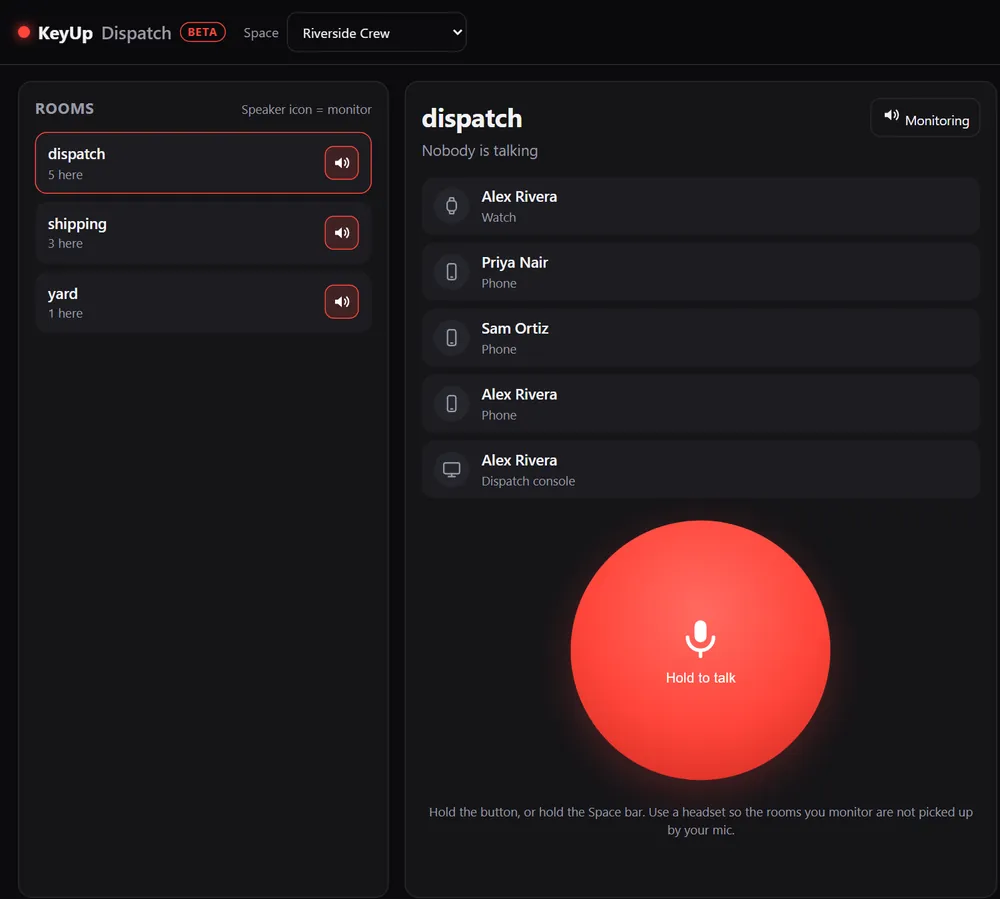
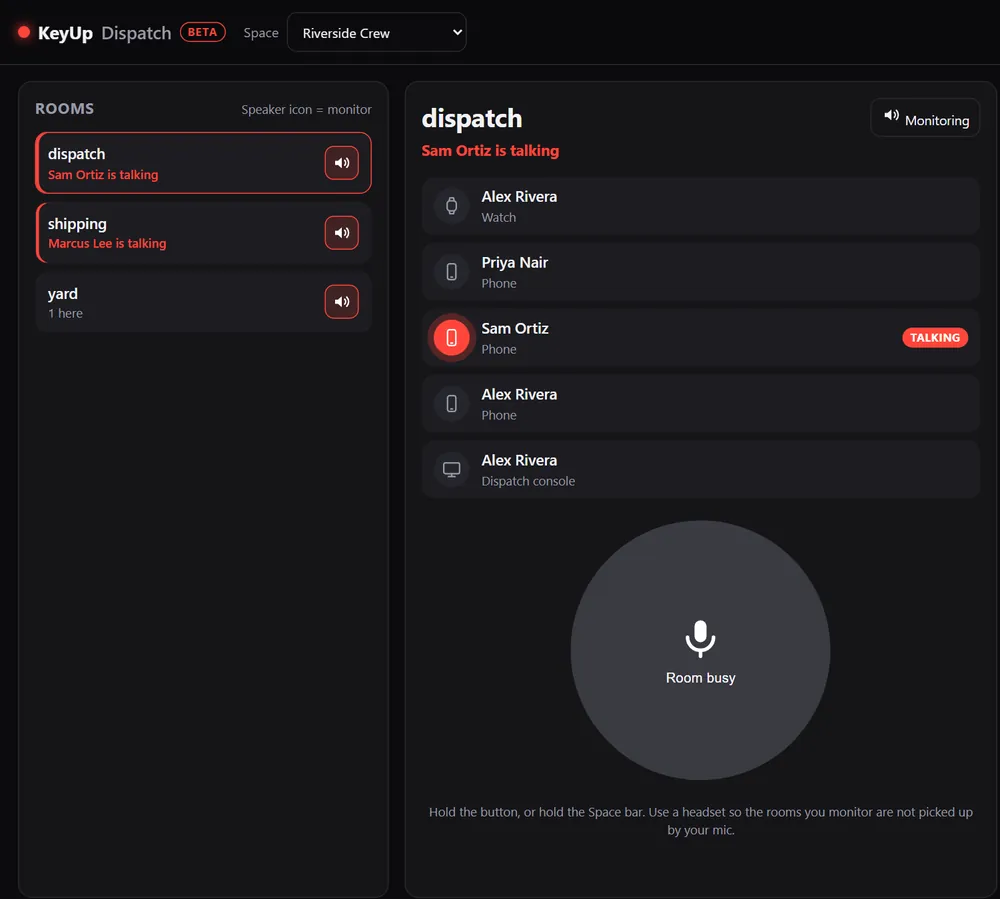
- Pick a Space at the top. The Rooms list shows who is here and who is talking, live.
- Tap the speaker button on a room to monitor it. Monitored rooms play at once, so you can listen to several.
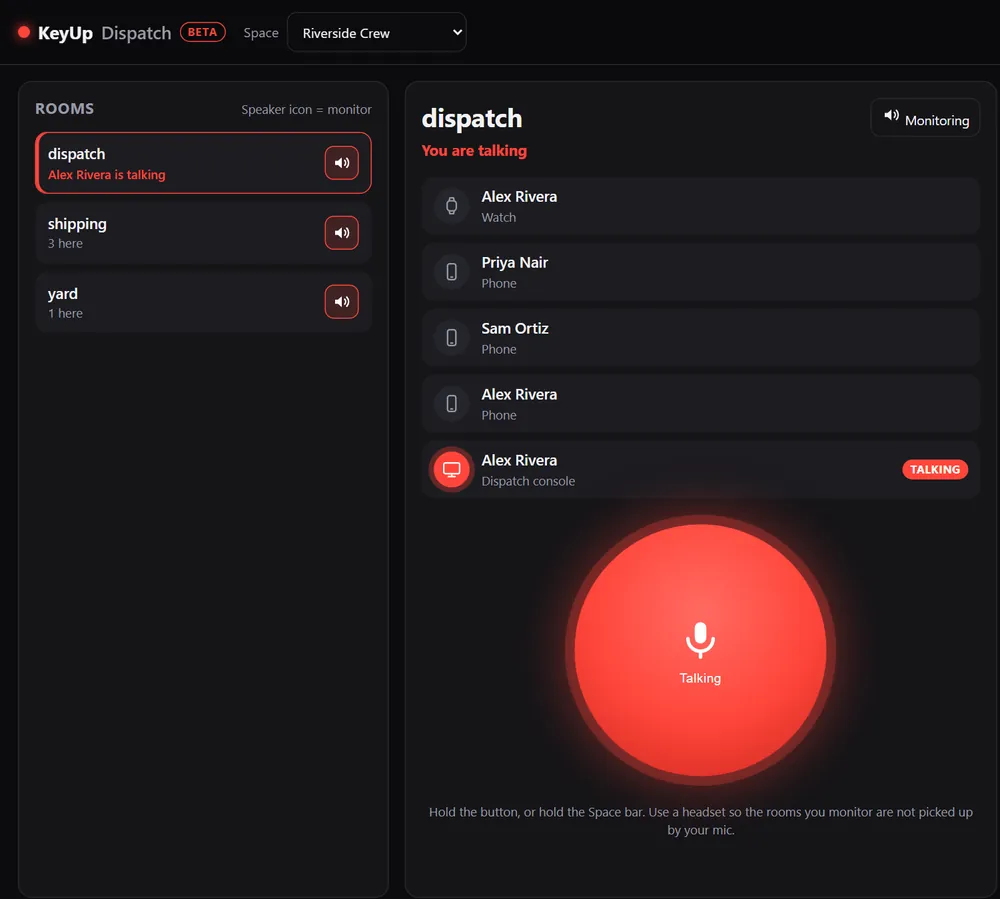
- Select a room to see its people with phone, watch, web and radio icons, and tags like Talking.
- Hold the big button, or hold the Space bar or Enter, to talk to the selected room.
Still stuck? Email [email protected]. Tell us your phone and watch model and what you tried.