Translate talks
A room that keeps text of talks can also show each talk in other languages, in a grey line under the original. Up to three languages per room.
A room that keeps Voice and text can also translate its talks. Under each line of text, a grey line shows the talk in another language, like English: Where are you?. Translate talks is Off in every new room, and owners and admins pick up to three languages out of 20. Translation starts at the Crew plans and is on Business; Free, Plus and Plus 10 don’t have it. It is text only, and not simultaneous: the translation lands a few seconds after the talk, like transcripts. People still hear the talk live, in the language it was said in.
Turn it on (owners and admins)
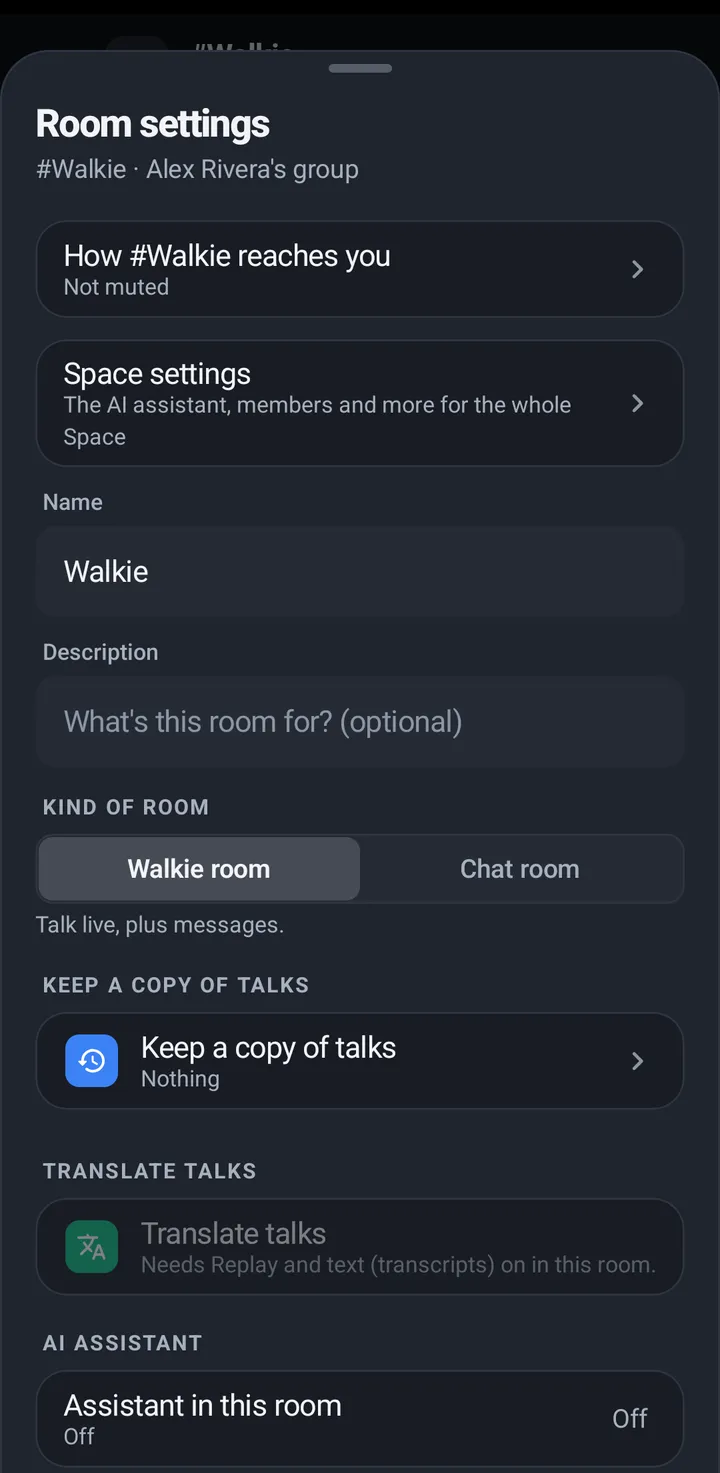
The row is Translate talks and it says Off, To English, To English and Spanish and so on. It opens a picker, Translate talks to, with one line under it: “Each talk shows in these languages under the original. Up to three.” The same people who change the room’s other settings can change it. It needs Voice and text in the room. When text is off, the row is greyed out and says it needs text (transcripts) on in this room. Turning text off in a room turns Translate talks off with it.
Phone
- Open Room settings (the gear). Under Keep a copy of talks (it must be Voice and text), tap Translate talks.
- In Translate talks to, pick one to three languages. The first time, your own language is already picked.
- A new room has the same row in New room, and it is applied when the room is made.
- To stop, clear the languages in the row, or set Keep a copy of talks to Nothing or Voice clips.
Watch
The watch can’t change this, and has no line for it: not in Settings › Notifications and rooms and not in You. Set it in Room settings on the phone, in the web app or on iPhone. The watch only shows the result: the grey lines under the transcript, and Translated to English in swipe up › In this room.
Web app
Room settings (three dots on the room card) › Translate talks, under Keep a copy of talks, with the same picker, Translate talks to. The row is greyed out and gives the same reason when text is off.
iPhone
In the iPhone app (in private testing), Room settings › Translate talks, under Keep a copy of talks, with the same picker, and the same row in New room. It says why when text is off.
Read the translations
Wherever a line of text shows, the original comes first. Under it come grey lines like Spanish: ¿Dónde estás?. KeyUp shows the one in your app’s language when the room made it, and otherwise the first language the room chose. You never see your own language twice: a Spanish reader sees a Spanish talk as it was said, and an English talk with Spanish: ... under it, if the room translates to Spanish.
Phone
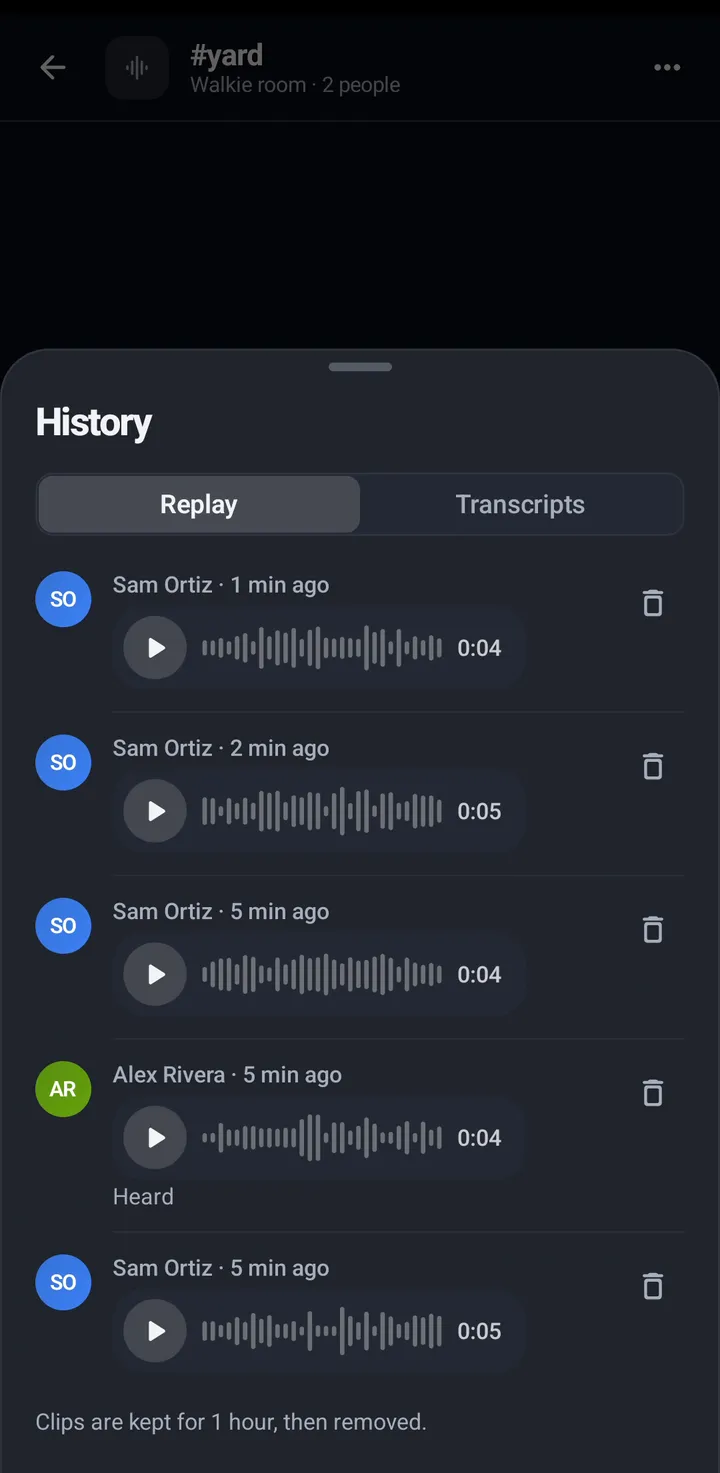
In the room chat’s transcript lines, in History › Transcripts and under the lines in the Replay list, the grey line sits under the original.
Watch
The transcript lines (What was said, and the recent lines in In this room) show the translation under the original, two lines at most. Swipe up, In this room says Translated to English when the room translates. On the watch, Replay shows the transcript, or the translated line when the room’s translation is on, under a clip once it is ready. Captions appear a few seconds after you hear a talk. A clip has no caption when the room keeps no Replay or text, or when the talk was a guest’s. A talk longer than a minute shows the words of its first minute.
Web app
Under the transcript lines and in the Replay talks list. Same grey line.
iPhone
In the iPhone app (in private testing), under the transcript lines and in the Replay list. Same grey line.
Your own switch
One personal switch, Show translations of talks, sits next to the app language. It is on to start, and it says “Talks in other languages show a line in your language under them.” Off hides the grey lines on that device, and changes nothing for anyone else.
Phone
You › Privacy and AI › Show translations of talks. It is saved on this phone, like the language choice.
Web app
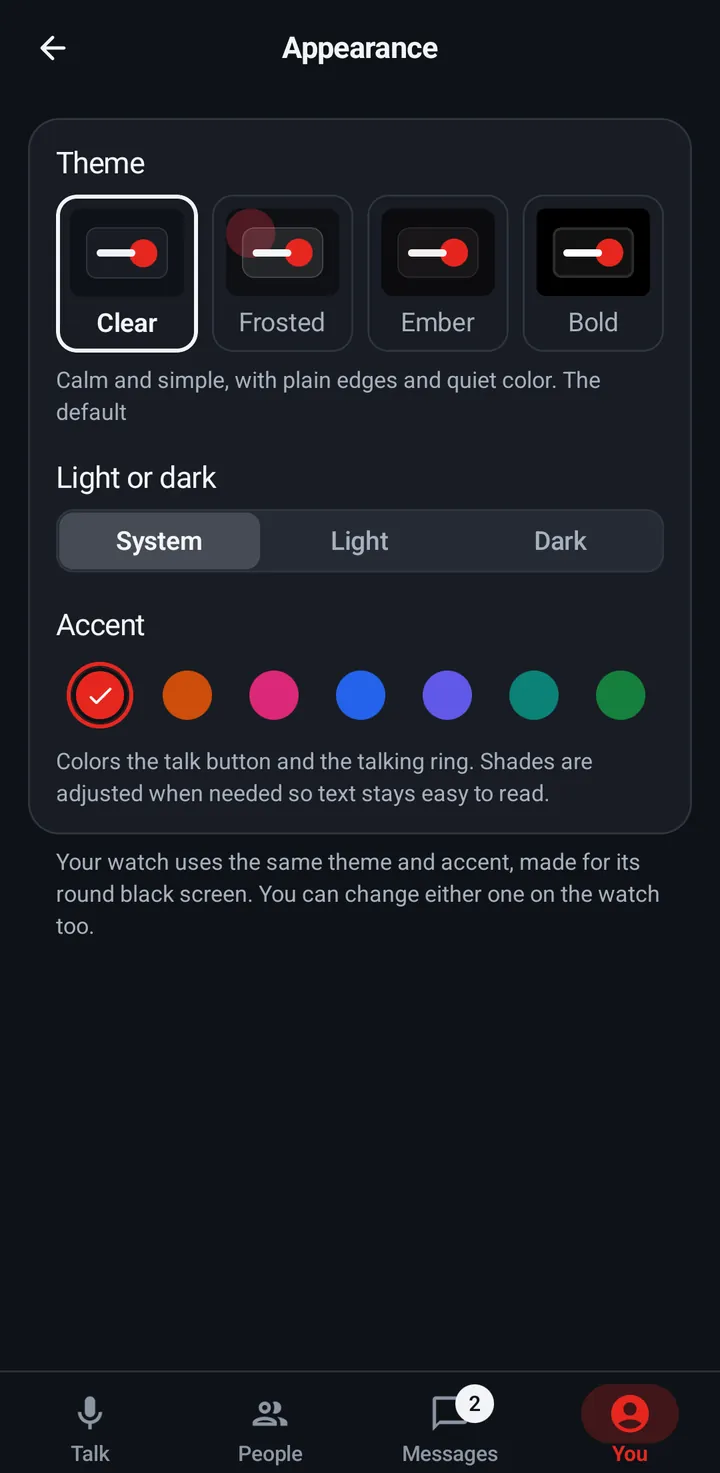
You › Appearance › Show translations of talks. Saved on this device.
iPhone
In the iPhone app (in private testing), Settings › Language › Show translations of talks. Saved on this iPhone.
Watch
The watch has no setting for it.
Still stuck? Email [email protected]. Tell us your phone and watch model and what you tried.