Create a Space or a room
Start a Space for your group, or add a walkie or chat room to one. The starting choices follow your plan.
A new Space starts with #Walkie to talk and #General to chat, and you are its owner. Owners and admins can add more rooms.
Create a Space
Phone
- Not in a group yet? The People tab says You’re not in a group yet with a Create a group button. Tap it, or join one with a link someone sent you.
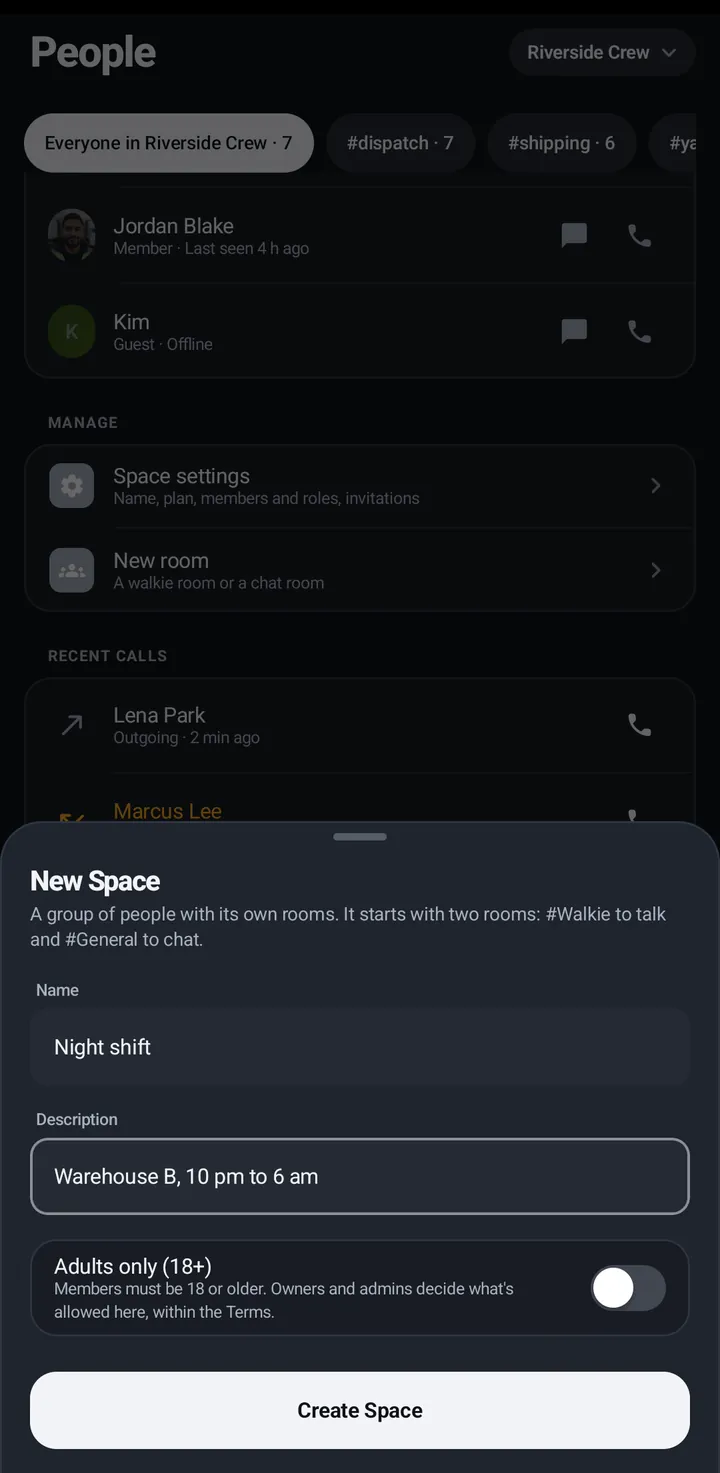
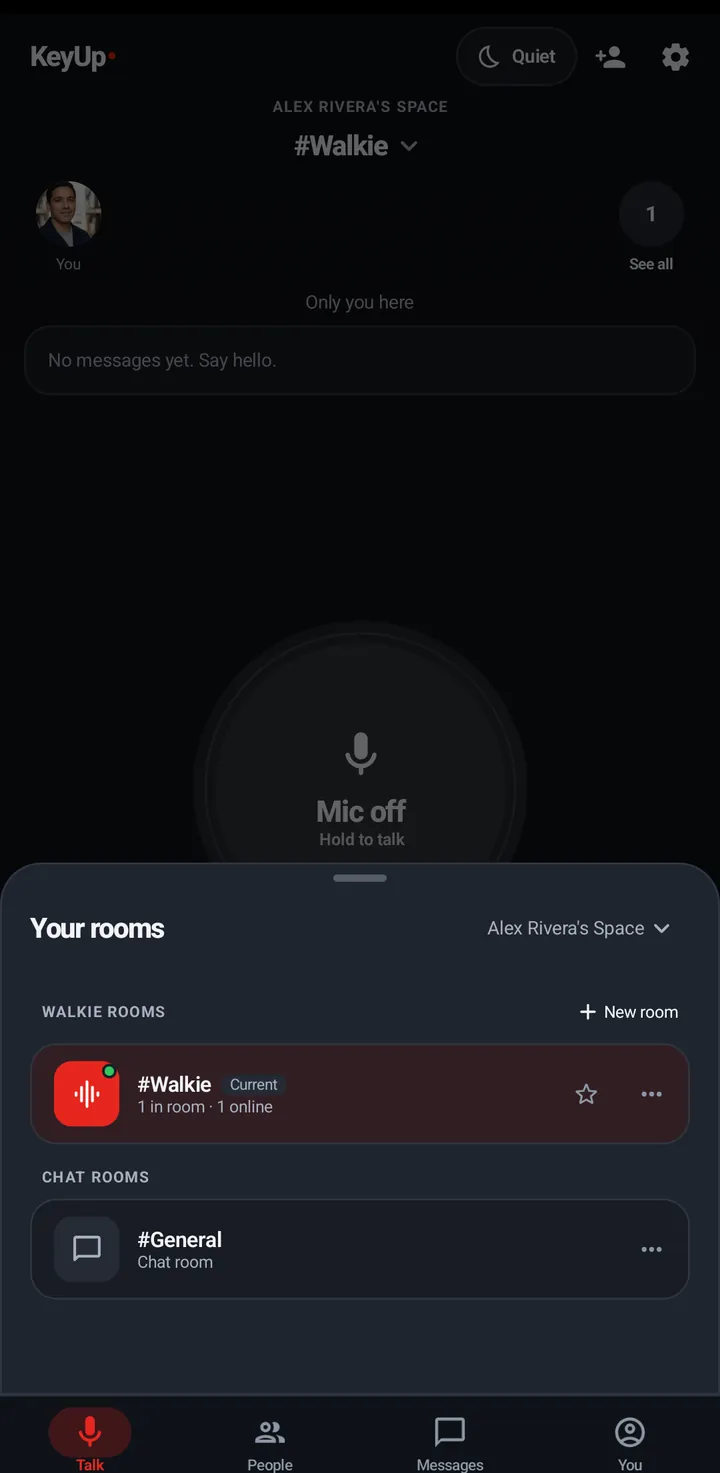
- Open Your rooms, tap the Space name › Manage Spaces › New Space.
- Type a name, an optional description, and set Adults only (18+) if you want it.
Watch
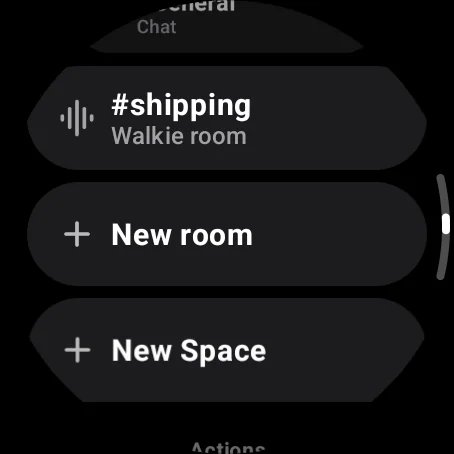
Swipe up, Rooms › New Space. Needs an adult account.
Web app and iPhone
Tap the Space name › + New Space (or Create a Space when you have none).
Create a room
Phone
- Your rooms › New room, or Manage Spaces › New room in the Space.
- Pick a walkie room or a chat room and name it.
- New room shows the same options as Room settings: the everyday ones first, the rest under Advanced. You can change any of them later.
Watch
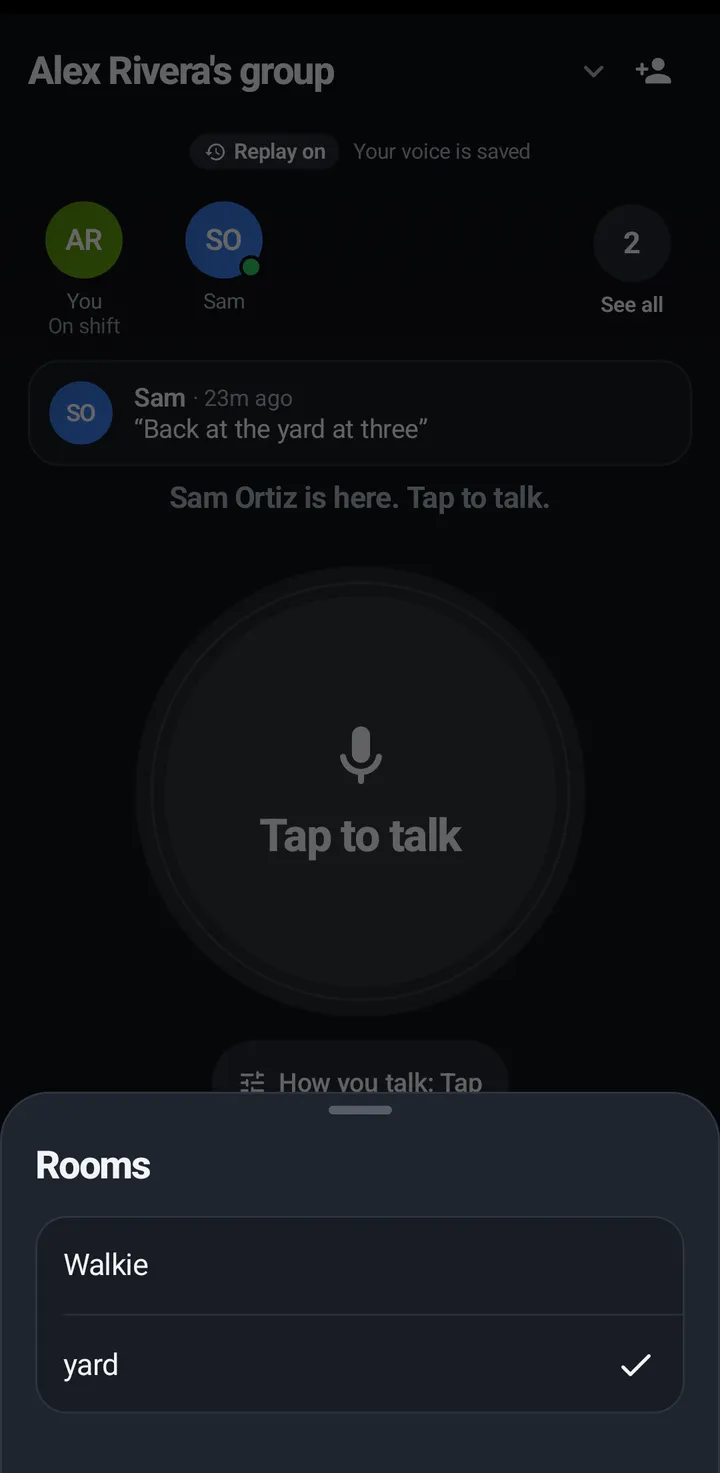
Swipe up, Rooms › New room. Name it by keyboard or voice, and pick the kind.
Web app and iPhone
Your rooms › + New room.
Family or team Spaces
KeyUp no longer asks whether a Space is for family or a team, when you sign up or make a Space. The starting choices follow the owner’s plan instead, and you can change any of them later.
- Call for help: on Free, Plus and Plus 10 it goes to everyone in the Space; on Crew and Business it goes to the owner, admins and moderators. That is only the starting value: change Who gets it in Space settings › Call for help, and what you save stays, even when the plan changes. See When someone calls for help.
- On Crew and Business, the owner sees a card once on the phone, Set My schedule?, with the line “Teams usually set Mon to Fri, 9 to 5. You can change it any time in Hours.” Set Mon to Fri 9 to 5 puts that schedule into your Hours. Not now closes the card, and it does not come back for that Space on that phone. It never shows if you already have a schedule. KeyUp sets no hours on its own, and no hours are set for anyone else.
- An older app may still show What’s KeyUp for? or Kind of Space. The answer is kept but changes nothing.
Still stuck? Email [email protected]. Tell us your phone and watch model and what you tried.