Hold, Tap and Open mic
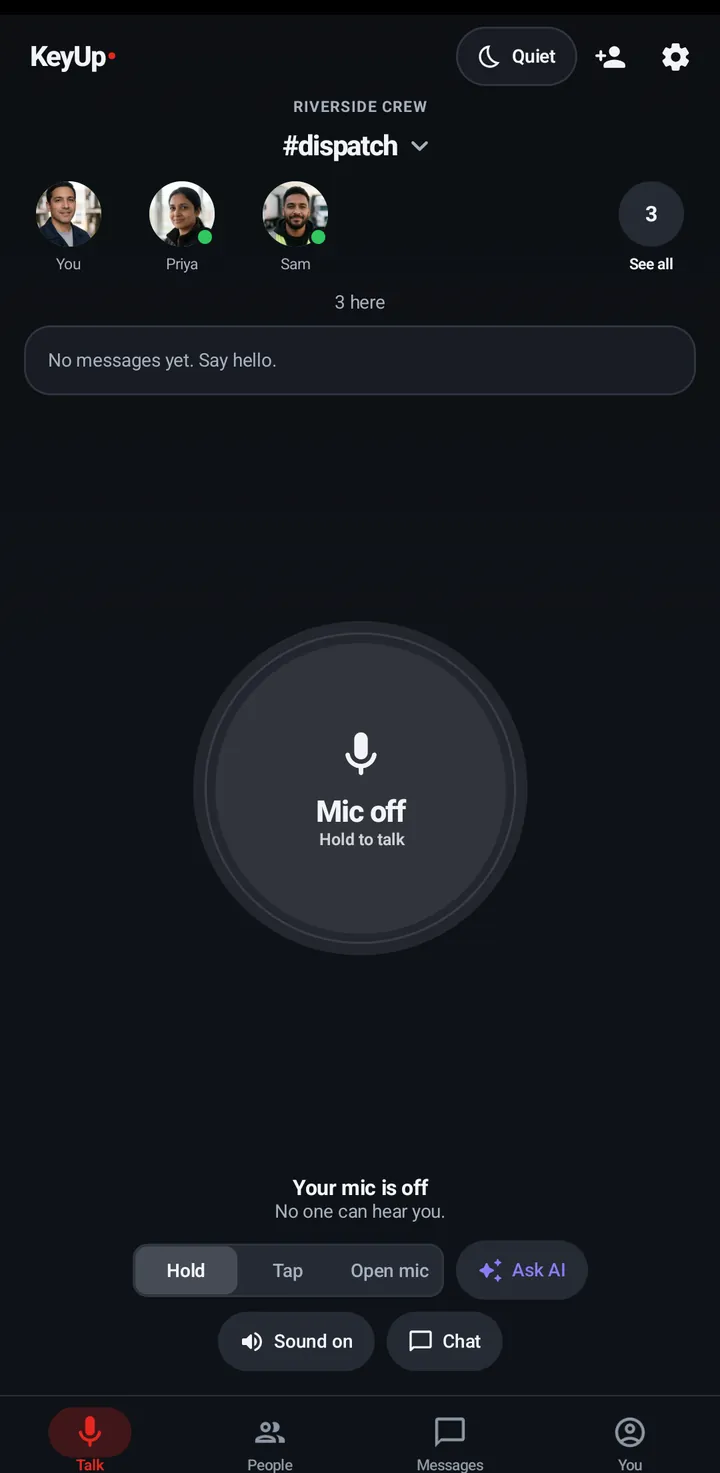
Three ways to talk: hold while you speak, tap to start and stop, or an open mic that sends when it hears you.
Hold sends while you press. Tap starts on one press and stops on the next. Open mic stays on and sends only when it hears your voice. A room can switch some of them off; then only the allowed ones show.
Phone
On the room screen, use the Hold / Tap / Open mic switch under the talk button.
Watch
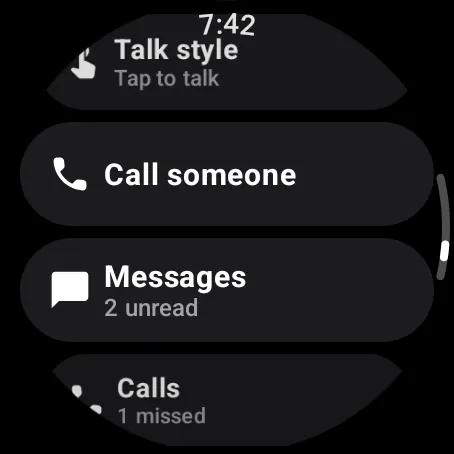
- Swipe up from the talk screen and tap Talk style. Each tap goes to the next style.
- Crown and Raise talk always use Tap.
Web app and iPhone
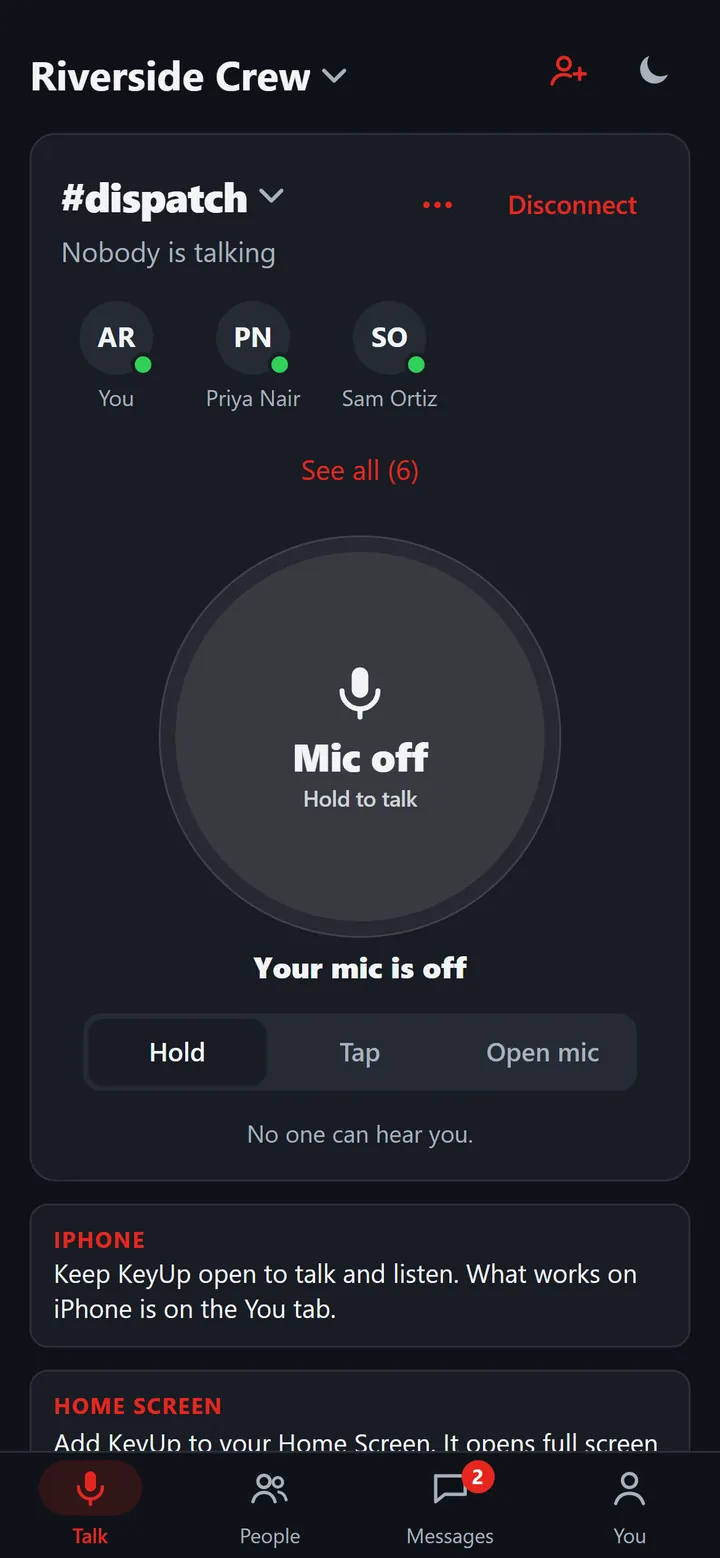
Use the Hold / Tap / Open mic switch under the talk button. On a computer, the Space bar is the key.
Still stuck? Email [email protected]. Tell us your phone and watch model and what you tried.