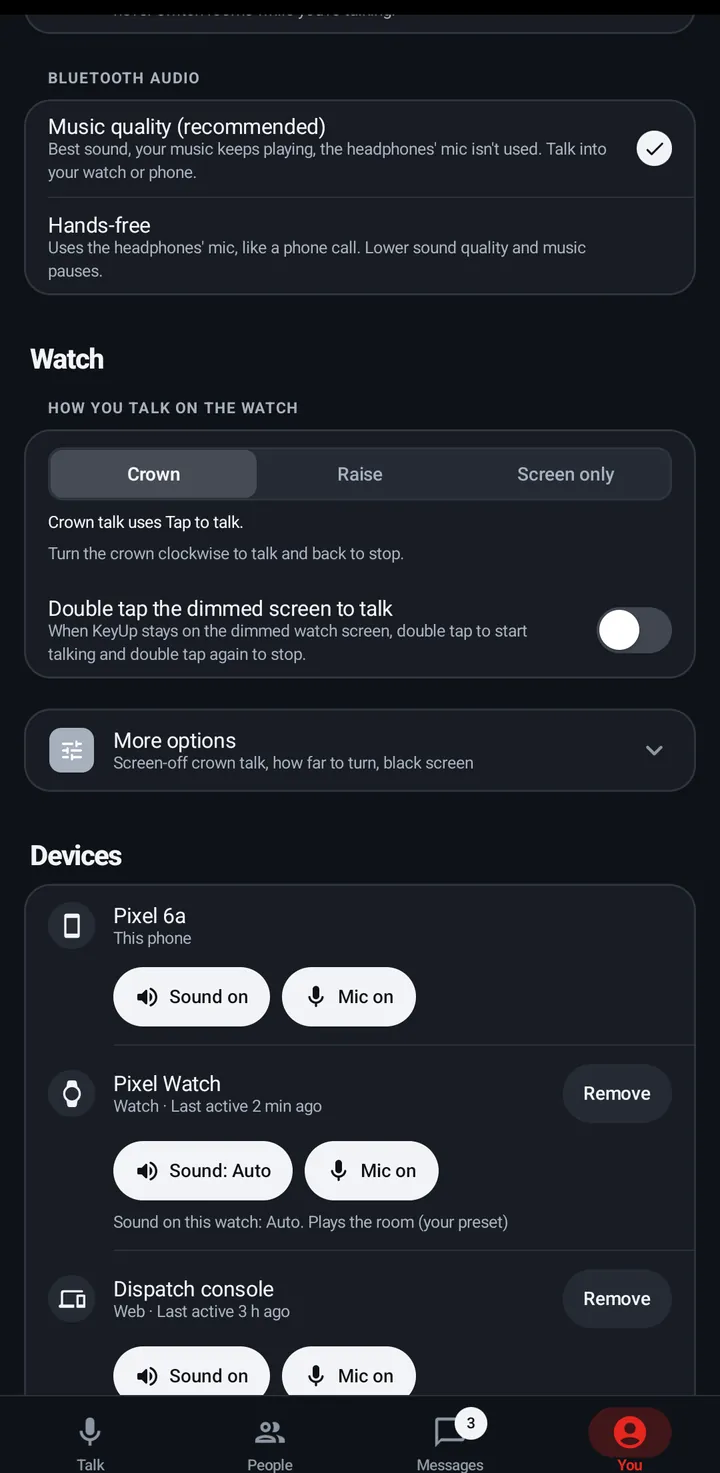
Music quality gives the best sound and keeps music playing. Hands-free uses the headphones’ mic.
Music quality (the default, recommended): best sound, your music keeps playing, the headphones’ mic isn’t used. Talk into your watch or phone. Hands-free: uses the headphones’ mic, like a phone call. Lower sound quality and music pauses.
Phone
You › Sound › Advanced › Bluetooth audio: Music quality (recommended) or Hands-free.
Bluetooth audio.
Watch
Settings › Sound › Advanced › Hands-free Bluetooth (off means Music quality).
A watch with earbuds and no phone can talk through them with Hands-free.
Web app and iPhone
The browser decides. There is no Bluetooth setting.
Still stuck? Email [email protected]. Tell us your phone and watch model and what you tried.