Roles: owner, admin, moderator, member and guest
Who can manage what, and how to change someone’s role.
Roles are Owner, Admin, Moderator, Member and Guest. Owners and admins manage people. Moderators can talk over others when the room allows it.
Phone
- In a Space: Space settings › Members and roles, tap a person: Role in this Space, Remove from Space, Make [name] the owner.
- In a room: Room settings › People in this room: Make moderator, Remove, Ban.
- Hand over a room: Room settings › Room › Make someone else admin. Hand over a Space: Space settings › Transfer ownership.
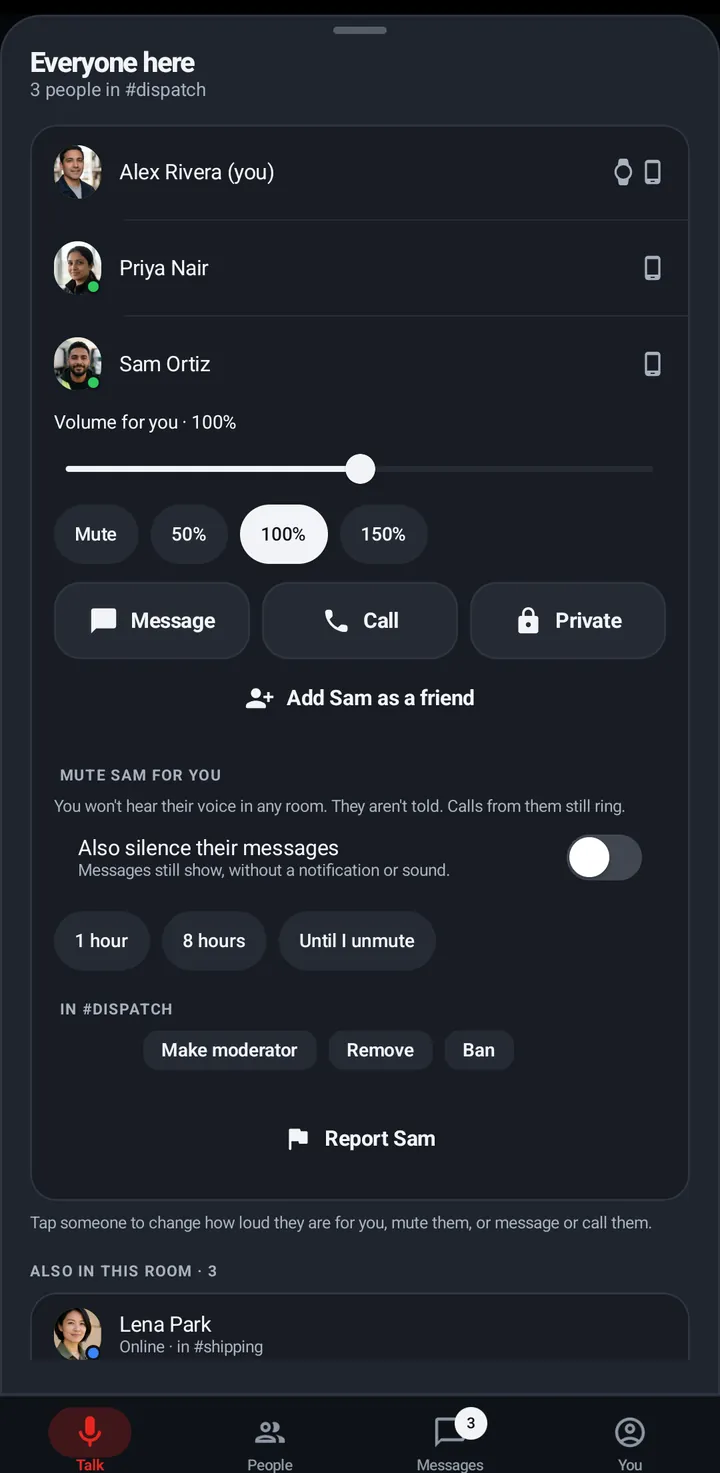
Web app and iPhone
Owners and admins can Remove from #room and End guest pass from a person’s sheet. Roles can’t be changed on the web.
Watch
No role editing on the watch.
Still stuck? Email [email protected]. Tell us your phone and watch model and what you tried.