Delete your account
Permanently remove your account, devices, memberships and direct chats, at once.
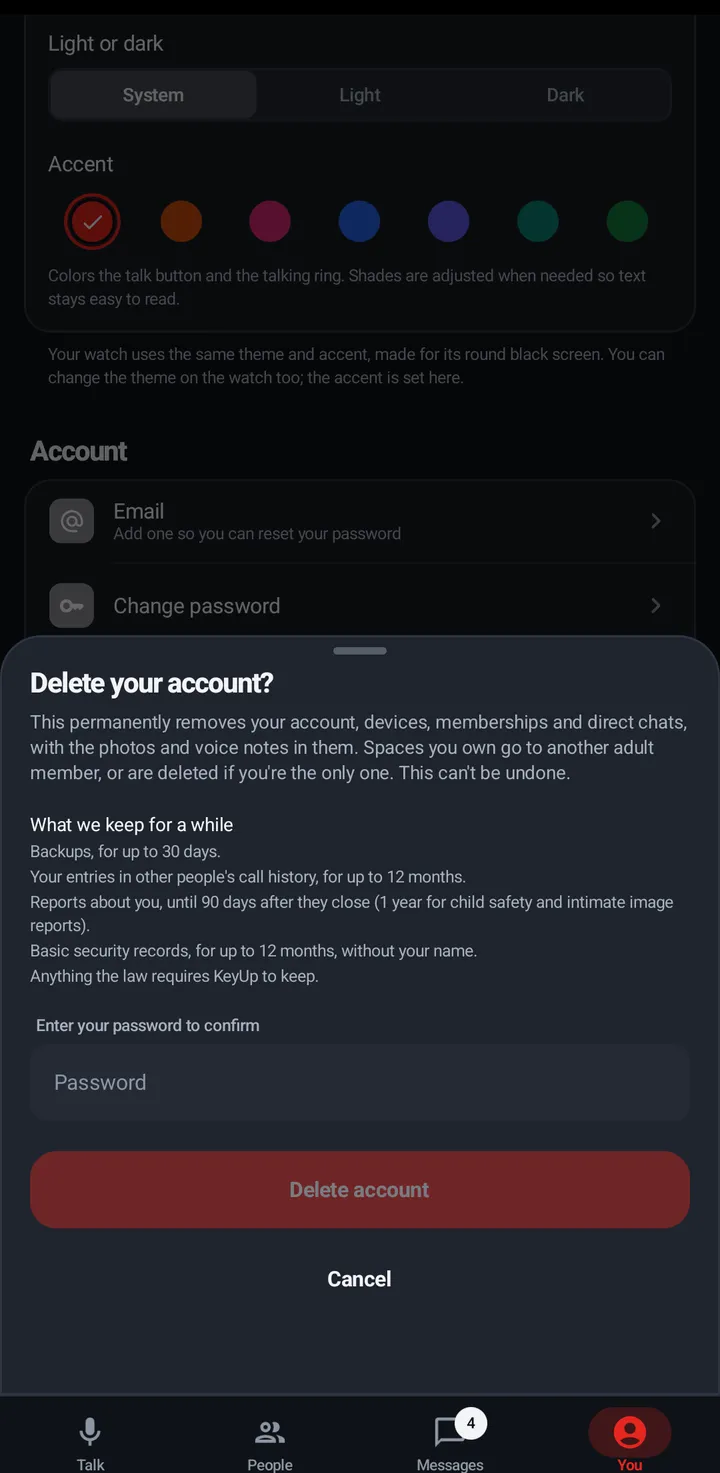
Deleting removes, at once, your profile, sign-ins, devices, friends, memberships, voice recordings and transcripts, assistant memories, problem reports, and your direct chats with the photos and voice notes in them (both people’s). Your room messages become an empty “Message deleted” line. Spaces you own go to another adult member. Members who are in only one room of a Space can’t take it over. If no other adult member can take over (the other members are under 18, or never confirmed their age), the Space and everything in it is deleted. Before you confirm, KeyUp shows which Spaces that would be, so you can hand one over first.
Phone
You › Account and plan › Advanced › Delete account (in Simple mode, More › All settings and features first). Type your password. (No password, because you made the account with Google? The sheet says Confirm it’s you: sign in with Google again instead.) The sheet lists What we keep for a while, and offers Download my data so you can keep a copy first.
Watch
- Settings › You › Account › Advanced › Delete account shows what deleting does. The watch never asks for your password, so it says Do this in KeyUp on your phone or at keyupradio.com.
- On a guest pass: Delete guest pass in the same place, then tap again.
Web app and iPhone
You › Account › Delete account.
Still stuck? Email [email protected]. Tell us your phone and watch model and what you tried.