Getting started with KeyUp
Four steps from a beta code to talking with your crew: account, setup, your watch, your crew’s Space.
KeyUp is a walkie-talkie for your crew, friends and family. It runs on Android phones, Wear OS watches, any web browser and iPhone in Safari. Here is the short path from nothing to your first talk.
The short path
- Create an account. During the beta you need a beta code (like KEYUP-7F3K-9QXA) or an invite link from your crew. See Create an account and Get into the beta.
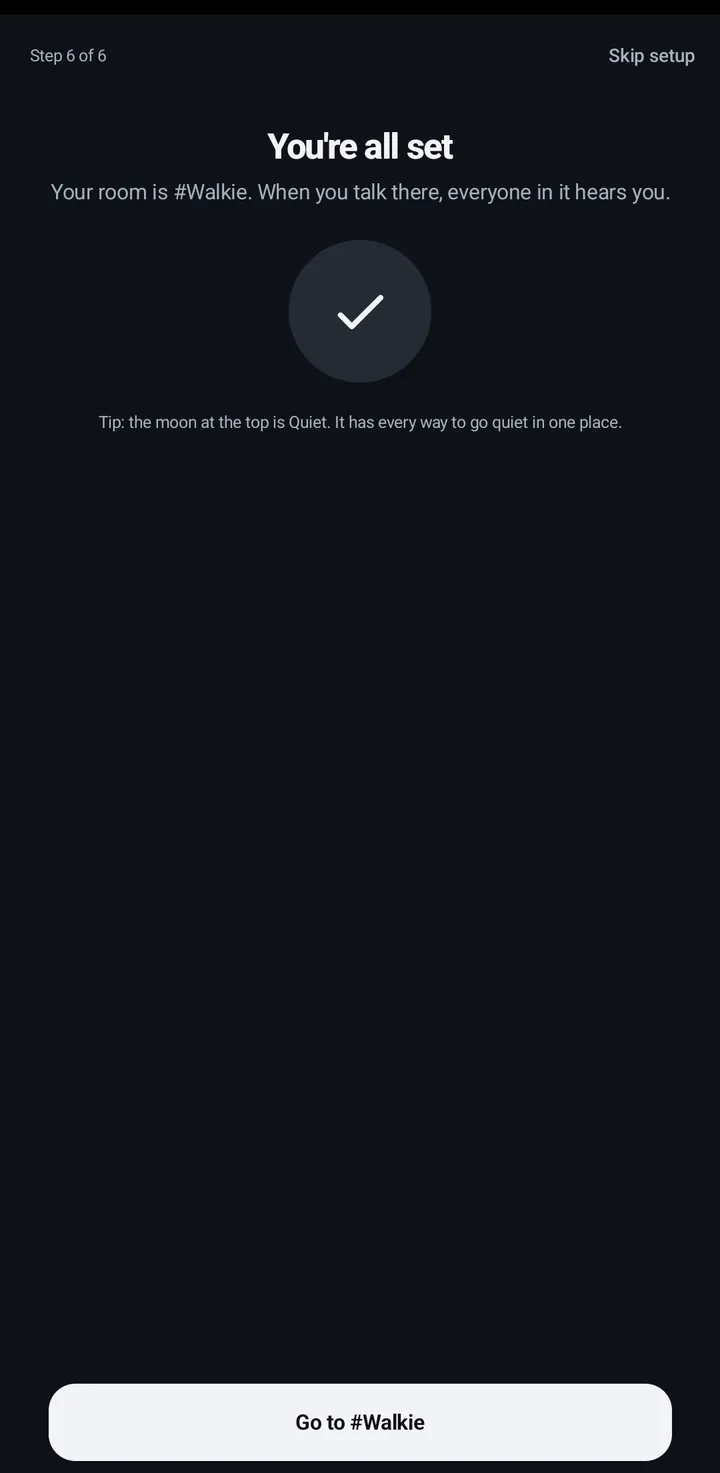
- Do the first-time setup. KeyUp asks for the microphone, how you want to talk, and runs a test only you hear. See First-time setup.
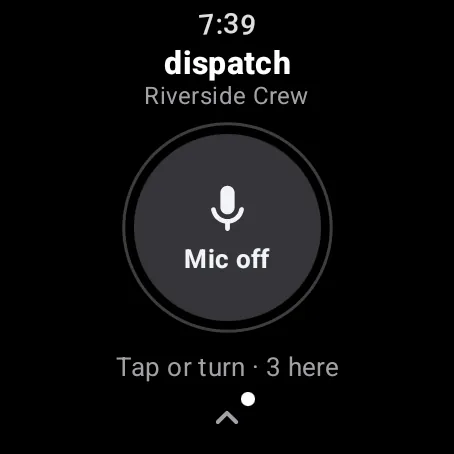
- Add your watch (if you have one). Open KeyUp on the watch, then approve its code at keyupradio.com/pair or on your phone in You › Devices › Add a device. See Add your watch.
- Join your crew’s Space. Open the invite link they sent, or accept the invitation on the People tab. See Join your crew’s Space.
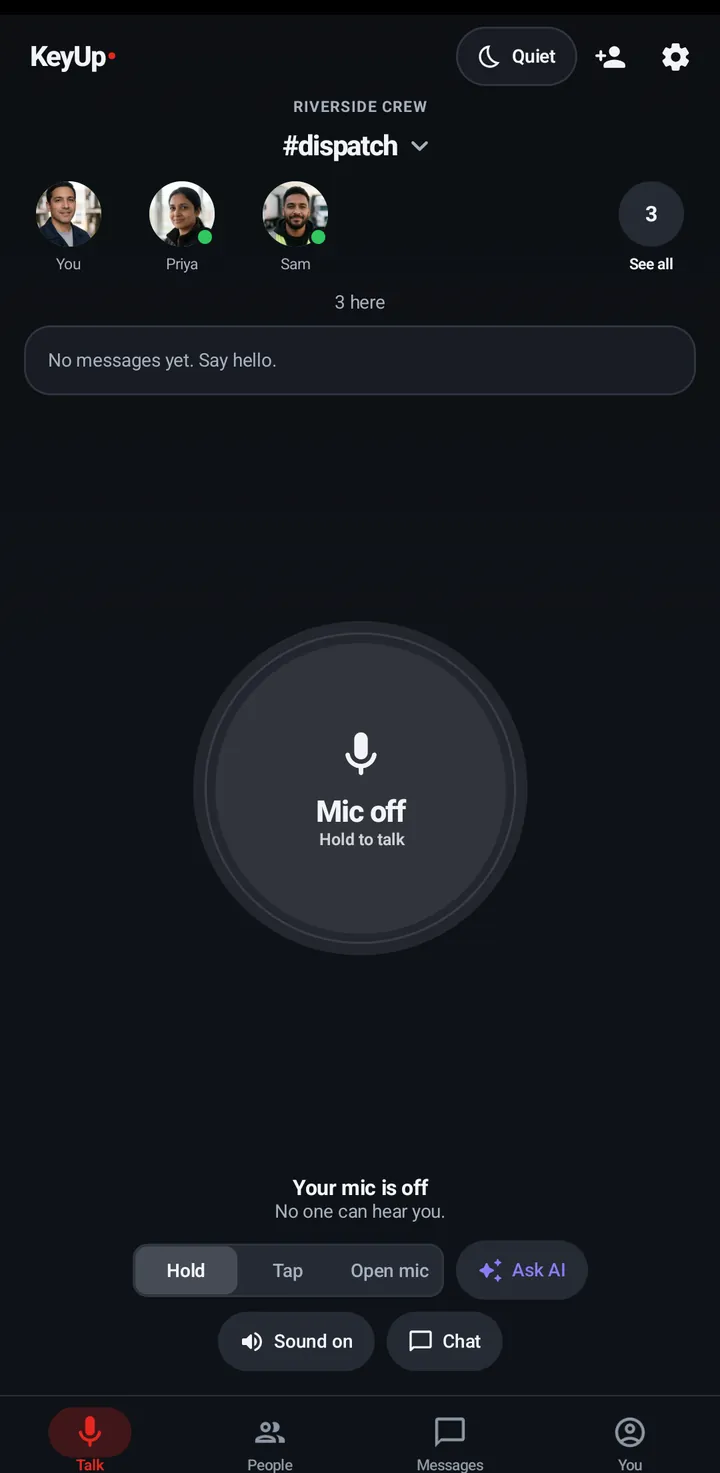
- Talk. Hold the big button on the Talk tab, or turn the crown on your watch. It turns red and says On air while your crew hears you. See The talk button.
Still stuck? Email [email protected]. Tell us your phone and watch model and what you tried.