Message list and search
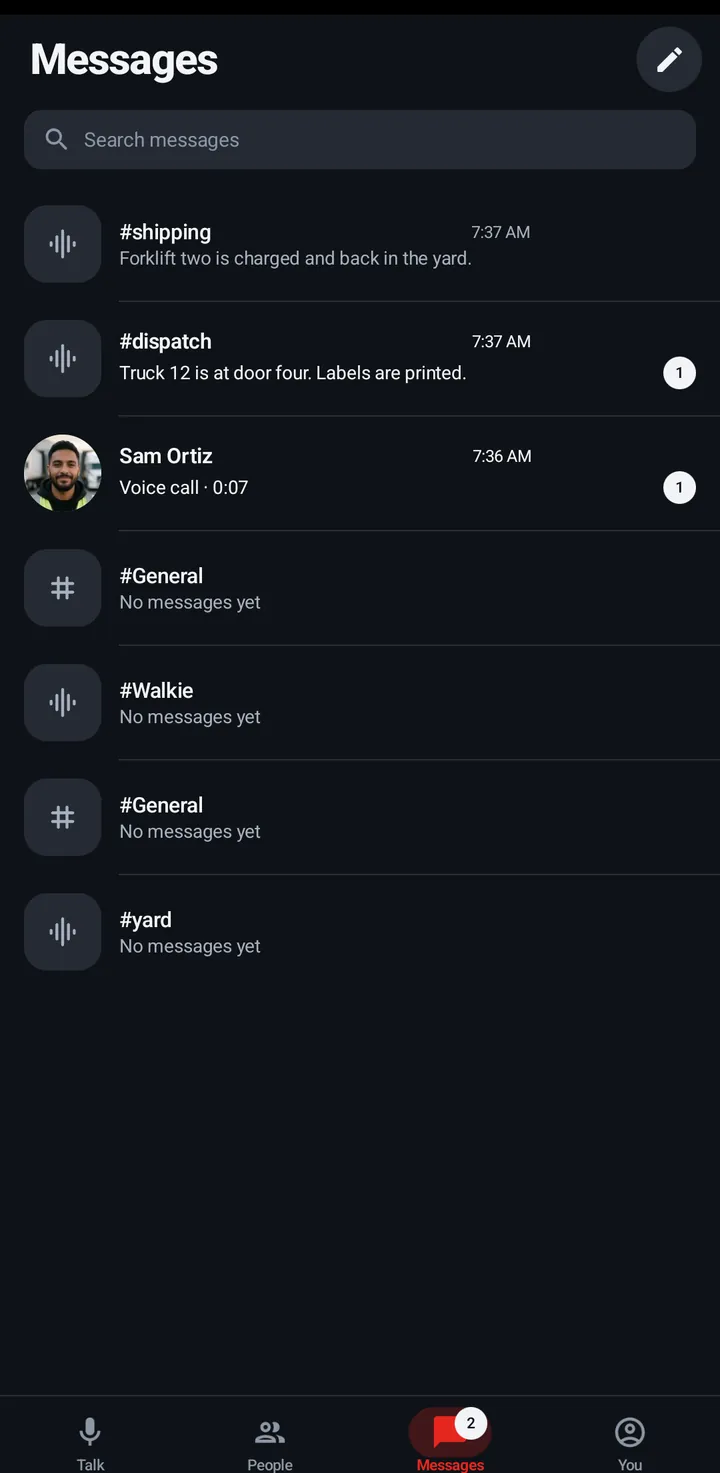
All your conversations in one list with unread counts. Search message text on the phone.
The Messages tab lists every room chat and direct chat, with unread counts. On the phone and the watch, when the newest message in a chat was deleted, the list says Message deleted for that chat. Deleted messages don’t count as unread.
Phone
- Messages tab › Search messages. Type 2 letters or more.
- Hold a conversation and tap Mark as read. To clear them all, tap Mark all as read (the double check) at the top.
iPhone
In the iPhone app (in private testing), touch and hold a conversation (or swipe it right) for Mark as read. Mark all as read is at the top of the list while something is unread.
Watch
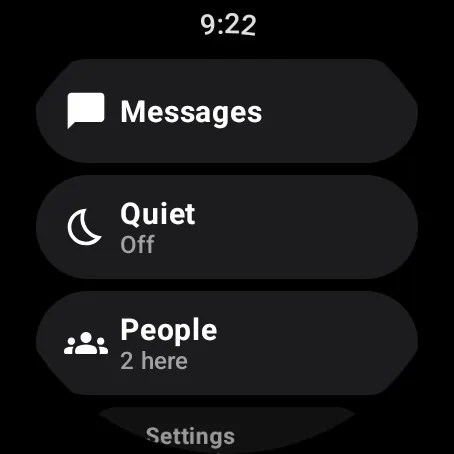
Swipe up, scroll to Actions, Messages (in Simple mode it is in the short list). “N unread” shows on the chip. Hold a chip to mark it as read. No search on the watch.
Web app and iPhone
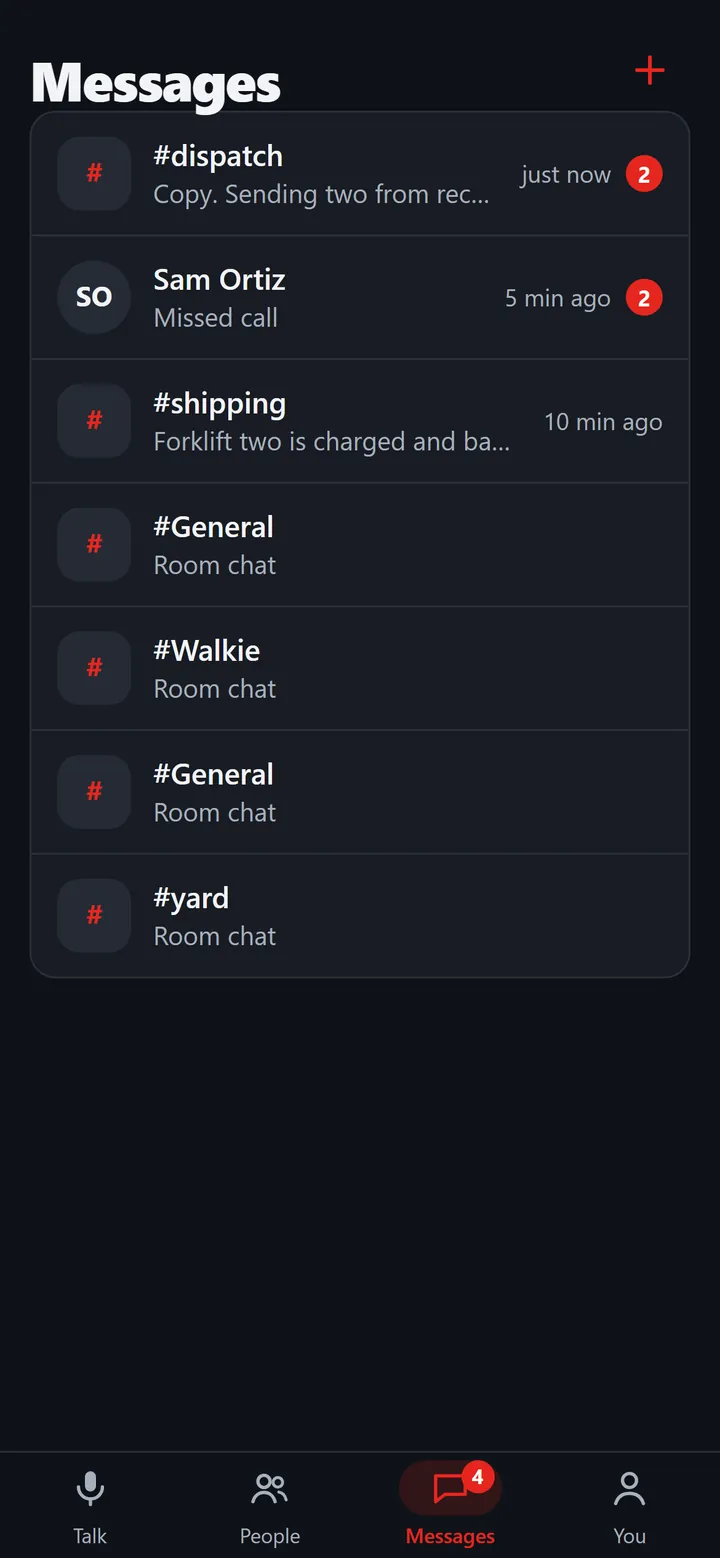
The Messages tab with an unread badge. Hold (or right click) a conversation and tap Mark as read. No search in the web app.
Still stuck? Email [email protected]. Tell us your phone and watch model and what you tried.