Find your way around: tabs and settings
Four tabs on the phone and web, a swipe-up list on the watch, and where each setting lives.
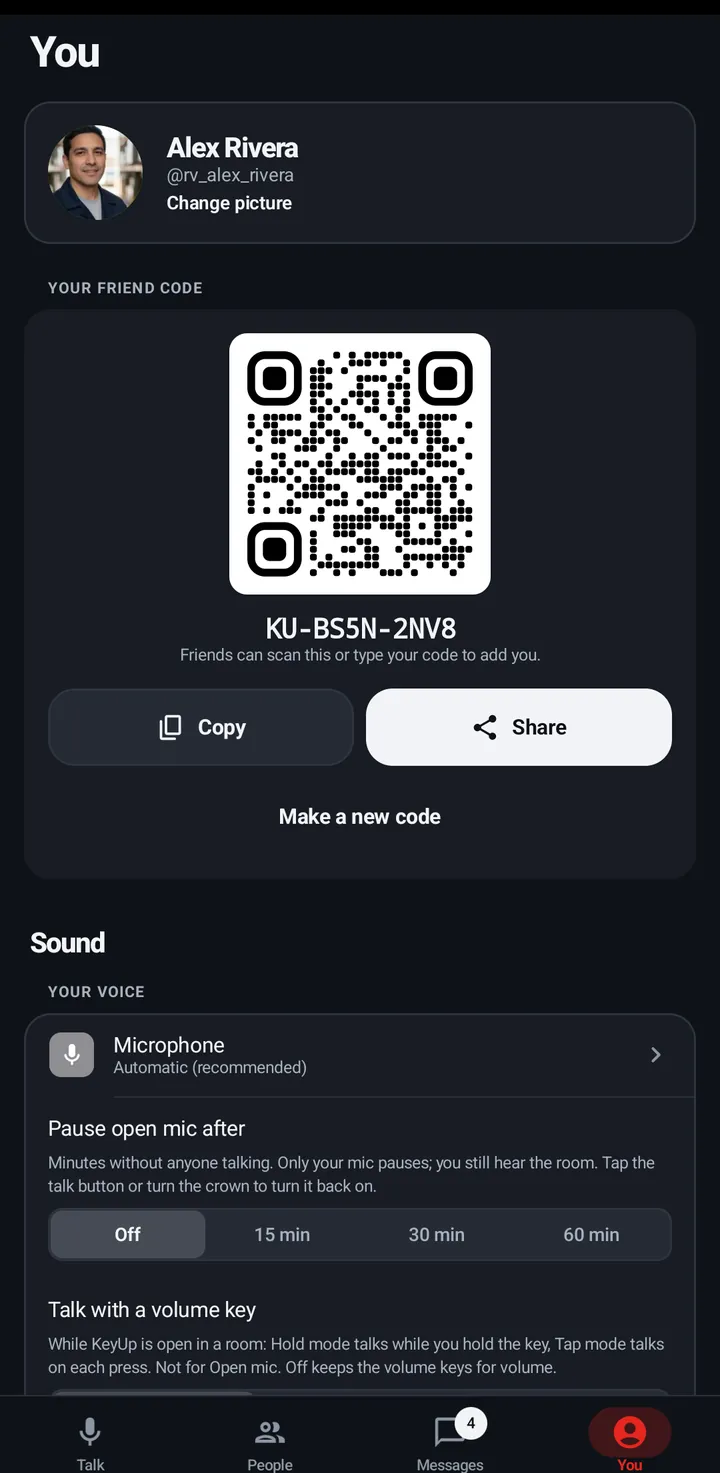
The phone and the web app have the same four tabs in the same order: Talk, People, Messages and You. The watch has no tabs: swipe up for everything.
Phone
- The tab bar at the bottom: Talk, People, Messages (with an unread count) and You.
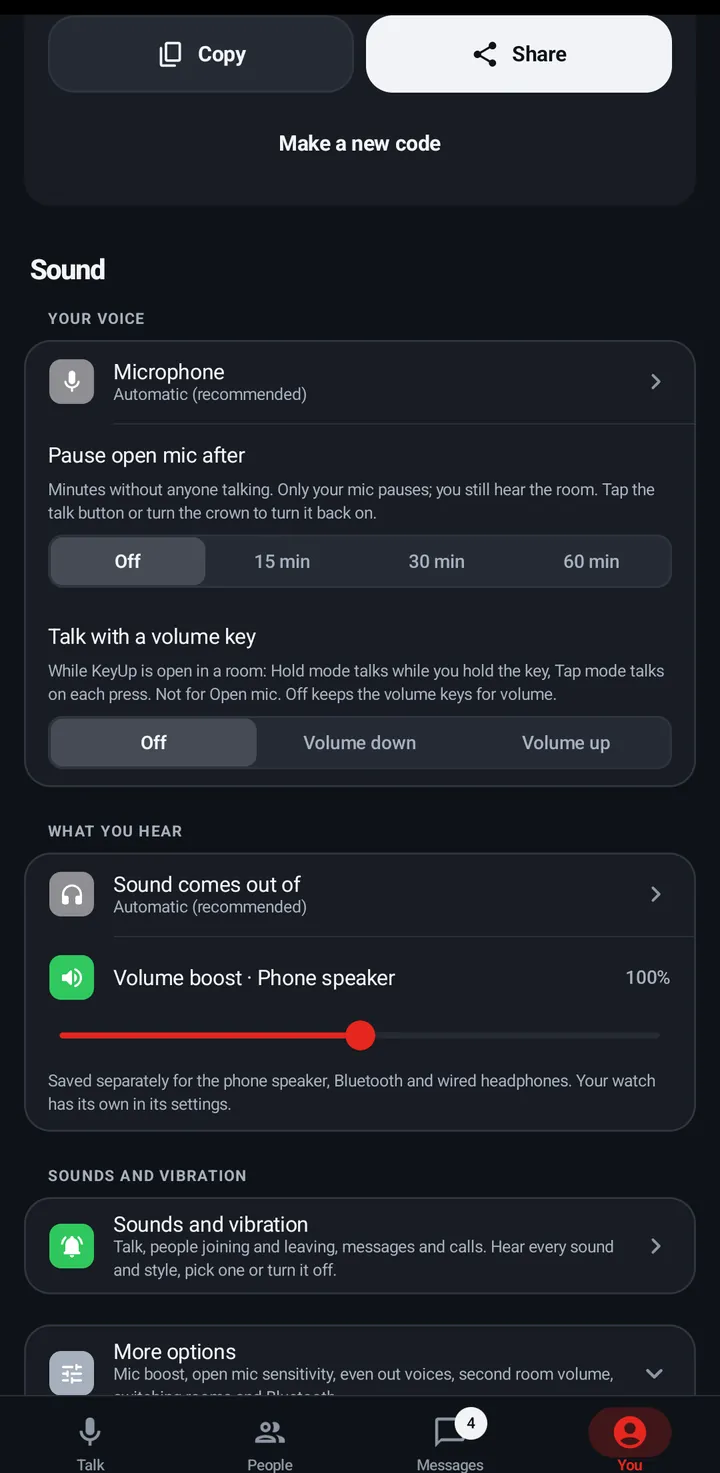
- Settings are on the You tab: your profile, Your friend code, Sound, Watch (once a watch is on your account), Devices, Availability, Do not disturb, Notifications, Privacy, Appearance, Account and Help.
- Many sections end with More options for settings fewer people change.
Watch
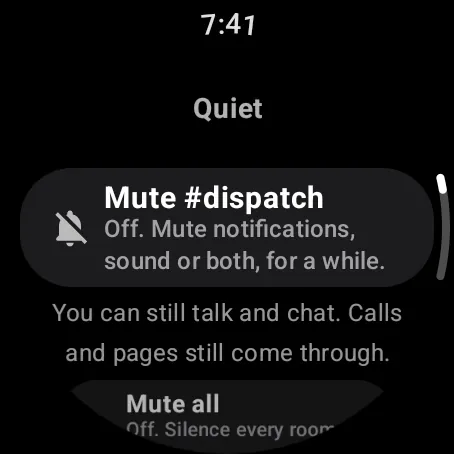
- Swipe left or right on the talk screen to change room.
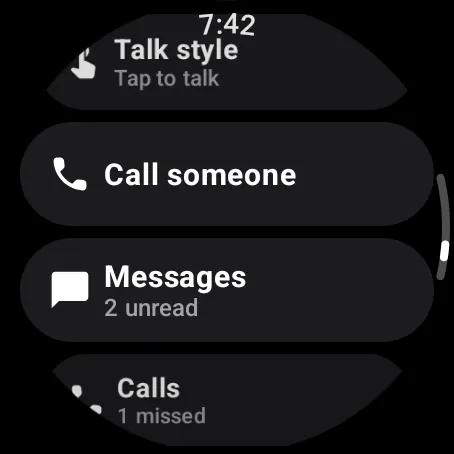
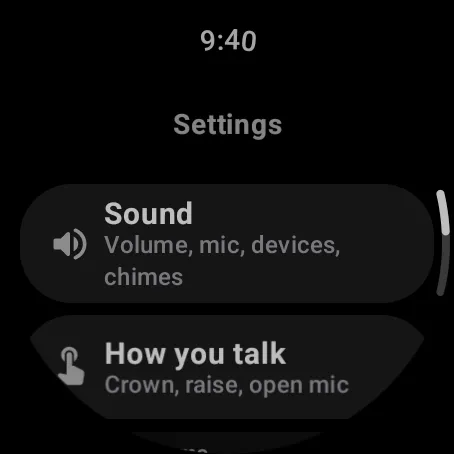
- Swipe up for the list: Quiet, Rooms and actions, then the Settings chip.
- Settings has Sound, How you talk, Rooms, Notifications, Privacy, Appearance, Account and Help.
Web app and iPhone
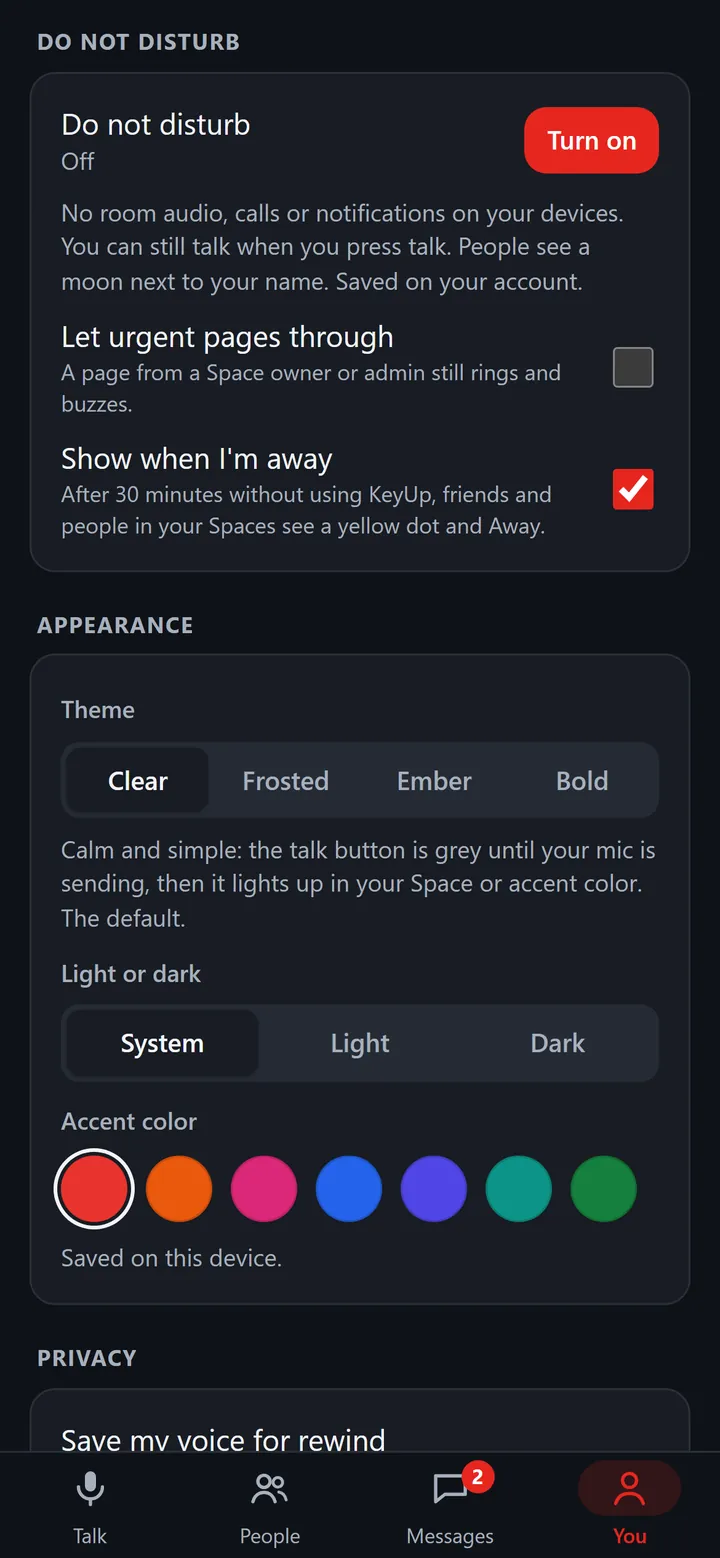
- The same four tabs at the bottom.
- The You tab has your profile, Notifications, Do not disturb, Appearance, Privacy, Assistant, Sound, Sounds, Devices, iPhone and Account.
Still stuck? Email [email protected]. Tell us your phone and watch model and what you tried.