Change the app language
KeyUp follows your phone’s language. Or pick English, Spanish, French, Portuguese (Brazil), German or Italian yourself.
KeyUp speaks English, Spanish, French, Portuguese (Brazil), German and Italian. By default it follows your phone’s language, and uses English when your phone is set to a language KeyUp doesn’t have yet.
Phone
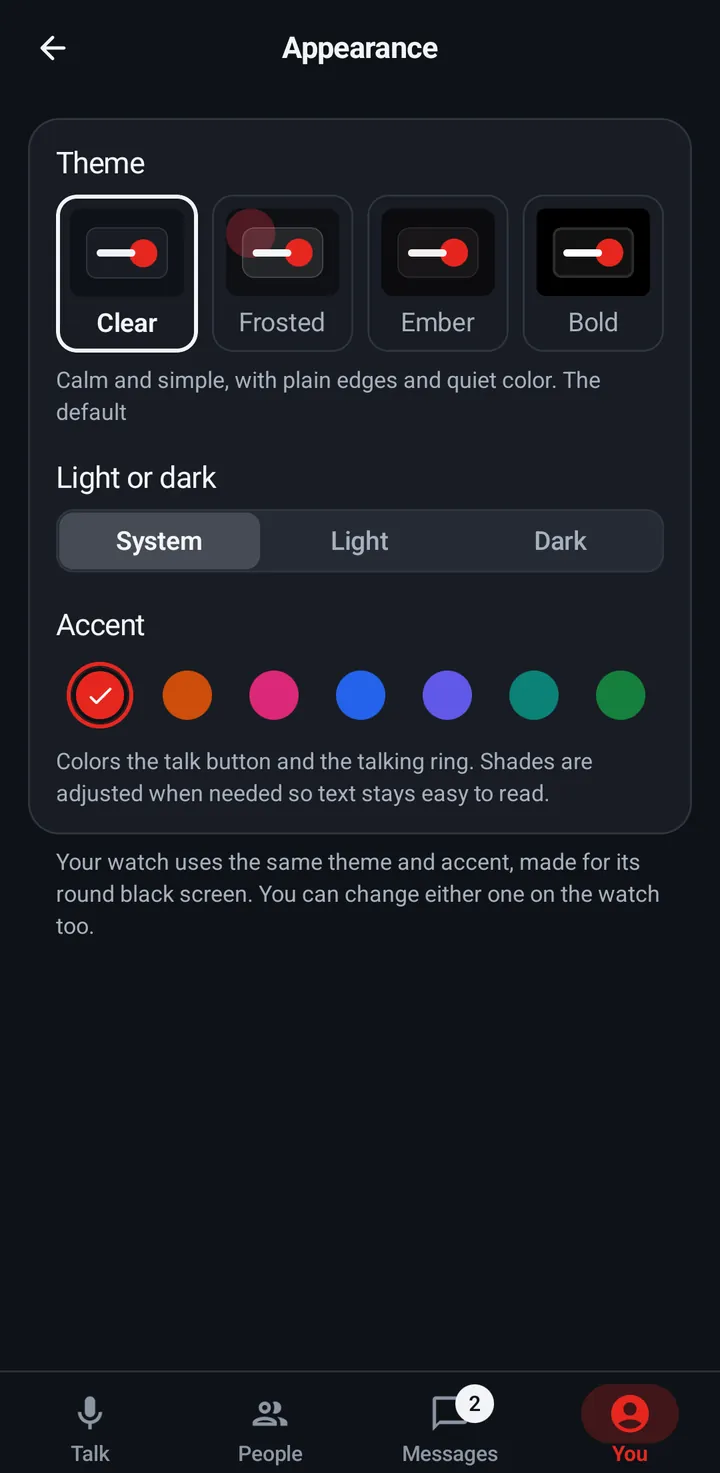
- Go to You › Appearance › Language.
- Pick Automatic (phone language), or a language. Each one is written in its own language, like Español or Deutsch, so you can always find yours.
Watch
The watch follows the watch’s own language. Change it in the watch’s system settings.
Web app and iPhone
You › Appearance › Language: Automatic (browser language), or a language. Saved on this device.
Still stuck? Email [email protected]. Tell us your phone and watch model and what you tried.