Favorite rooms
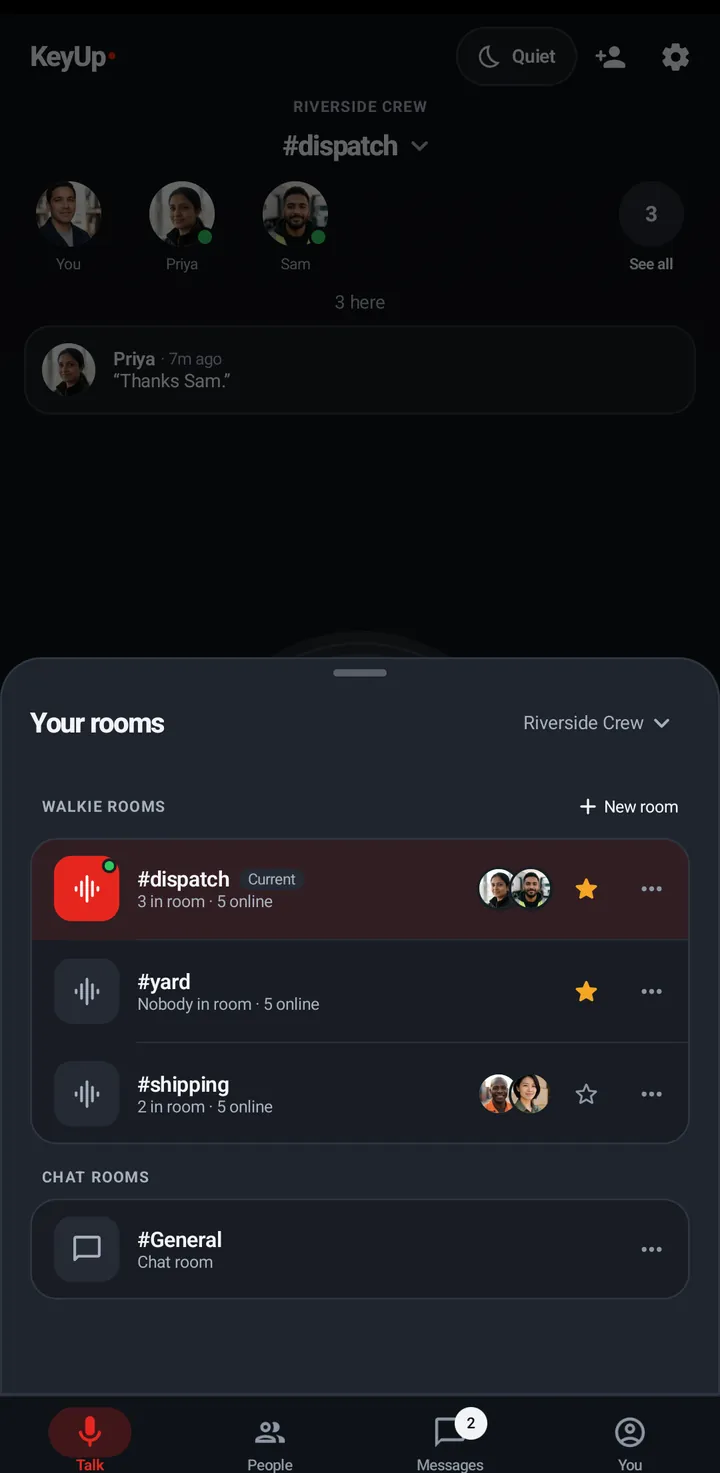
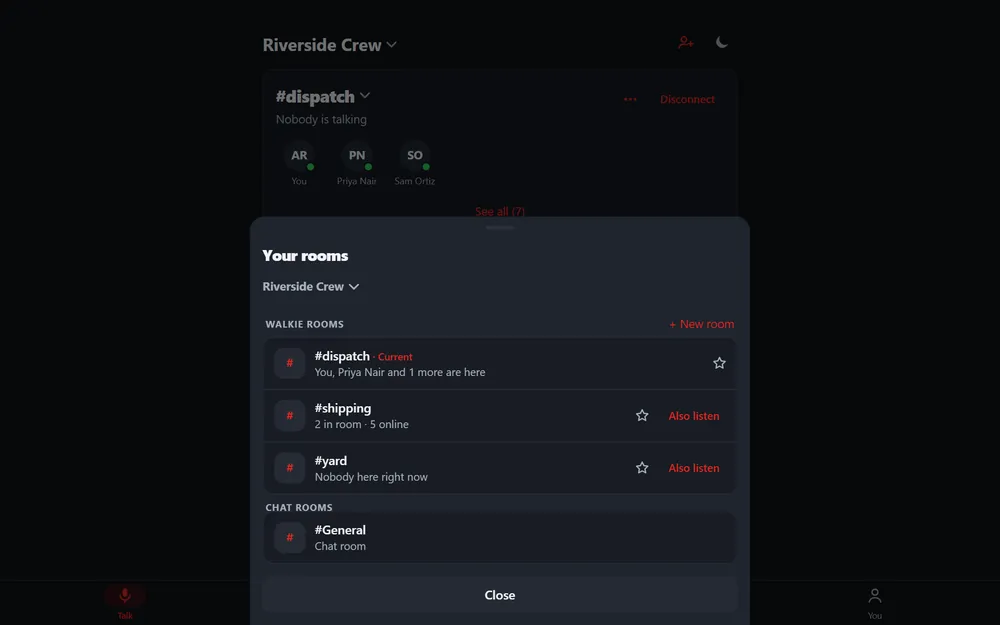
Star a walkie room and it is listed first on your phone, watch and web.
Starred walkie rooms come first, in the order you starred them. Stars are saved on your account, so every device shows the same ones.
Phone
Tap the star on a room row in Your rooms or the Talk list.
Watch
Swipe up, In this room › Add to favorites (or Remove from favorites).
Web app and iPhone
Tap the star next to a room in Your rooms.
Still stuck? Email [email protected]. Tell us your phone and watch model and what you tried.