Sound on this phone and Sound on this watch
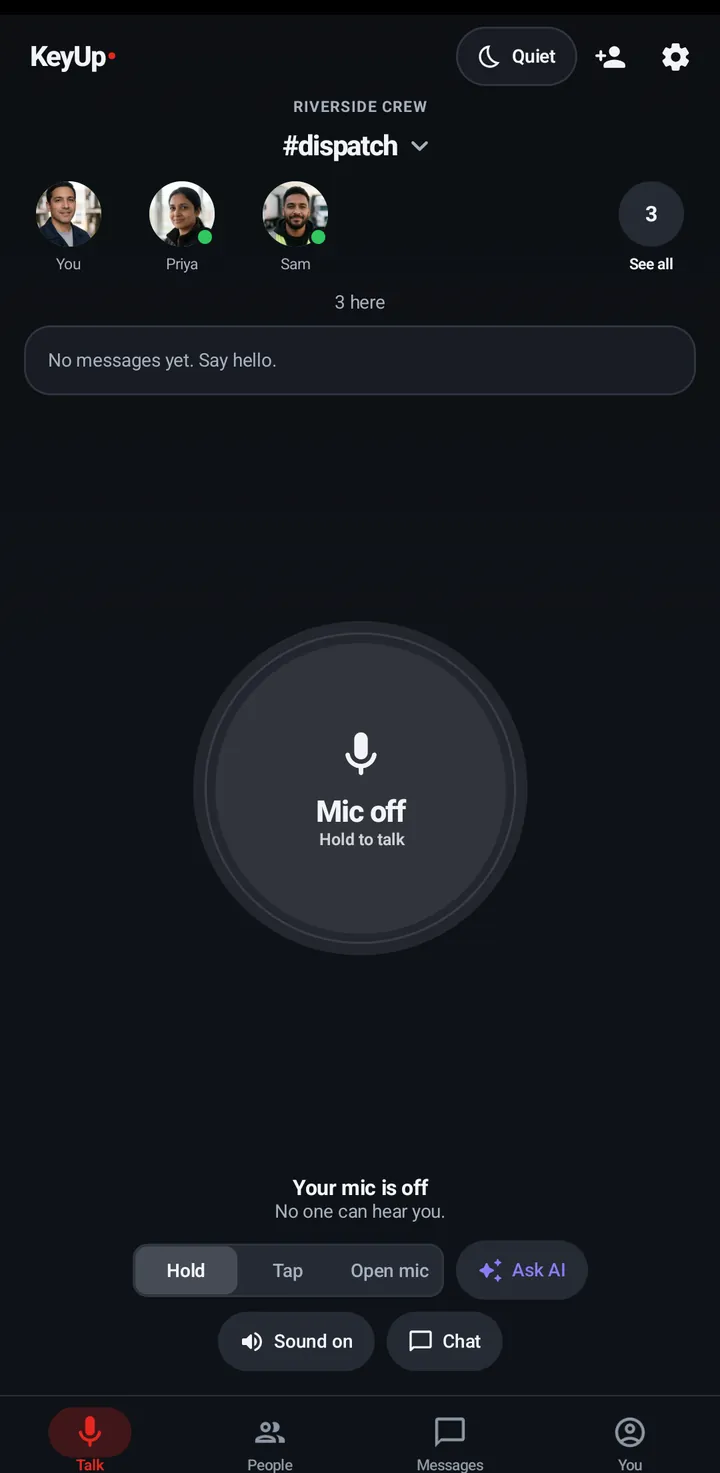
Turn the room audio off on one device only, without touching notifications or your other device.
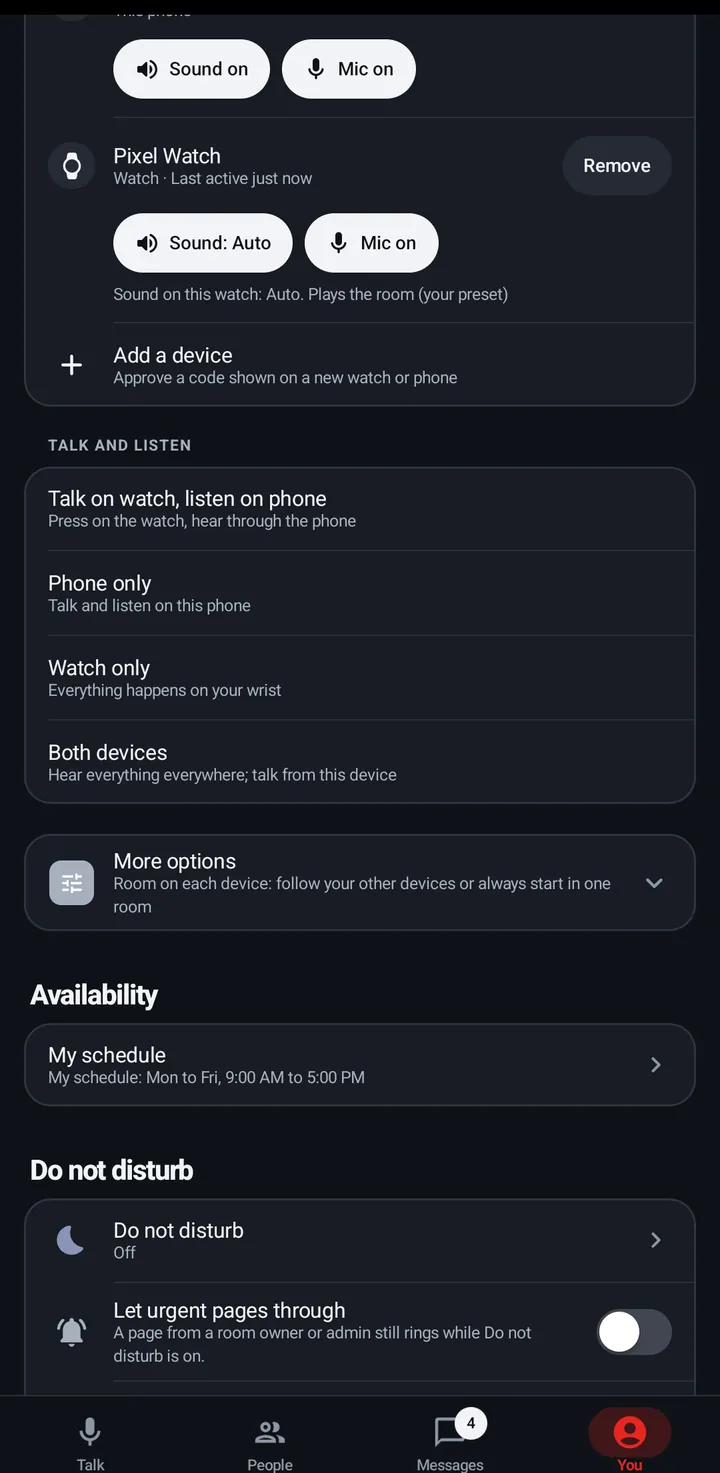
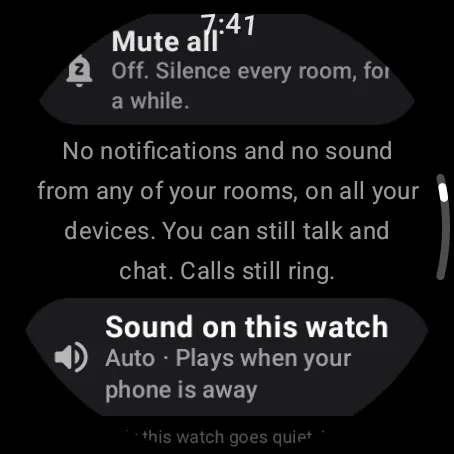
The phone switch is On or Off. The watch has Auto (plays the room only when the phone is away), On (always) and Off.
Phone
- Quiet › Sound on this phone, or the Sound on / Sound off chip on the room screen (the same switch).
- You › Devices has the same Sound chip for your watch.
Watch
Swipe up, Quiet › Sound on this watch. Each tap goes Auto, On, Off. Also in Settings › Sound.
Web app and iPhone
No switch. Disconnect on the room card stops room audio in this tab.
Still stuck? Email [email protected]. Tell us your phone and watch model and what you tried.