Screen only and double tap to talk
Talk only with the on-screen button, or double tap the dimmed screen to start and stop.
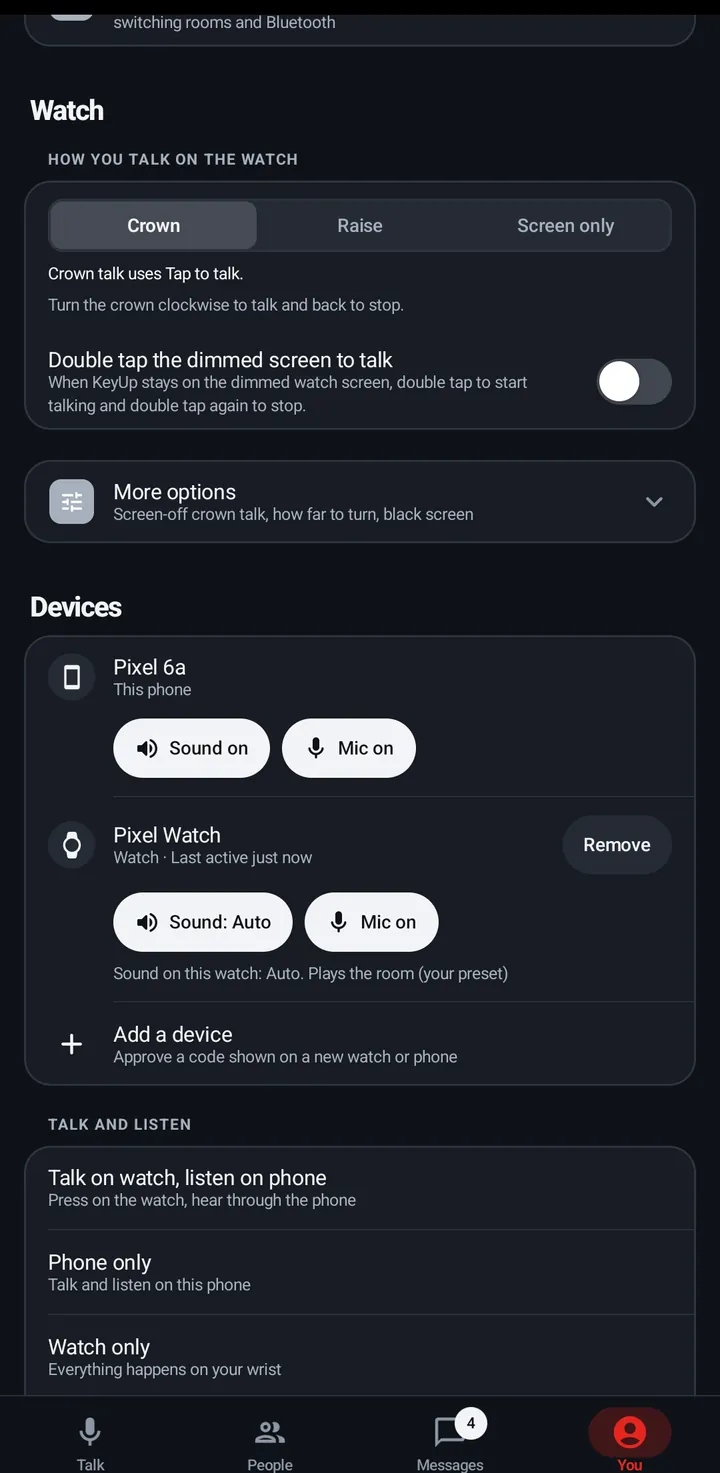
Screen only turns off crown and raise talk, so only the button talks. Double tap the dimmed screen to talk starts and stops a talk while KeyUp stays on the dimmed screen.
Watch
- Swipe up, tap Settings › How you talk.
- Pick Screen only, and turn on Double tap the dimmed screen to talk if you want it.
Phone
The same two settings are in You › Watch.
Still stuck? Email [email protected]. Tell us your phone and watch model and what you tried.