Ask the assistant a private practice question
Hold to speak or type your question, then read the answer privately.
Eligible adults get one private practice answer per account, including on Free. Only you see the answer. Switching Spaces does not reset it. This is separate from turning on a shared assistant in a room. Before sending a question to the included assistant for the first time, KeyUp explains that Microsoft processes questions using OpenAI models. Choose OK if you agree.
Ask on a phone
Phone
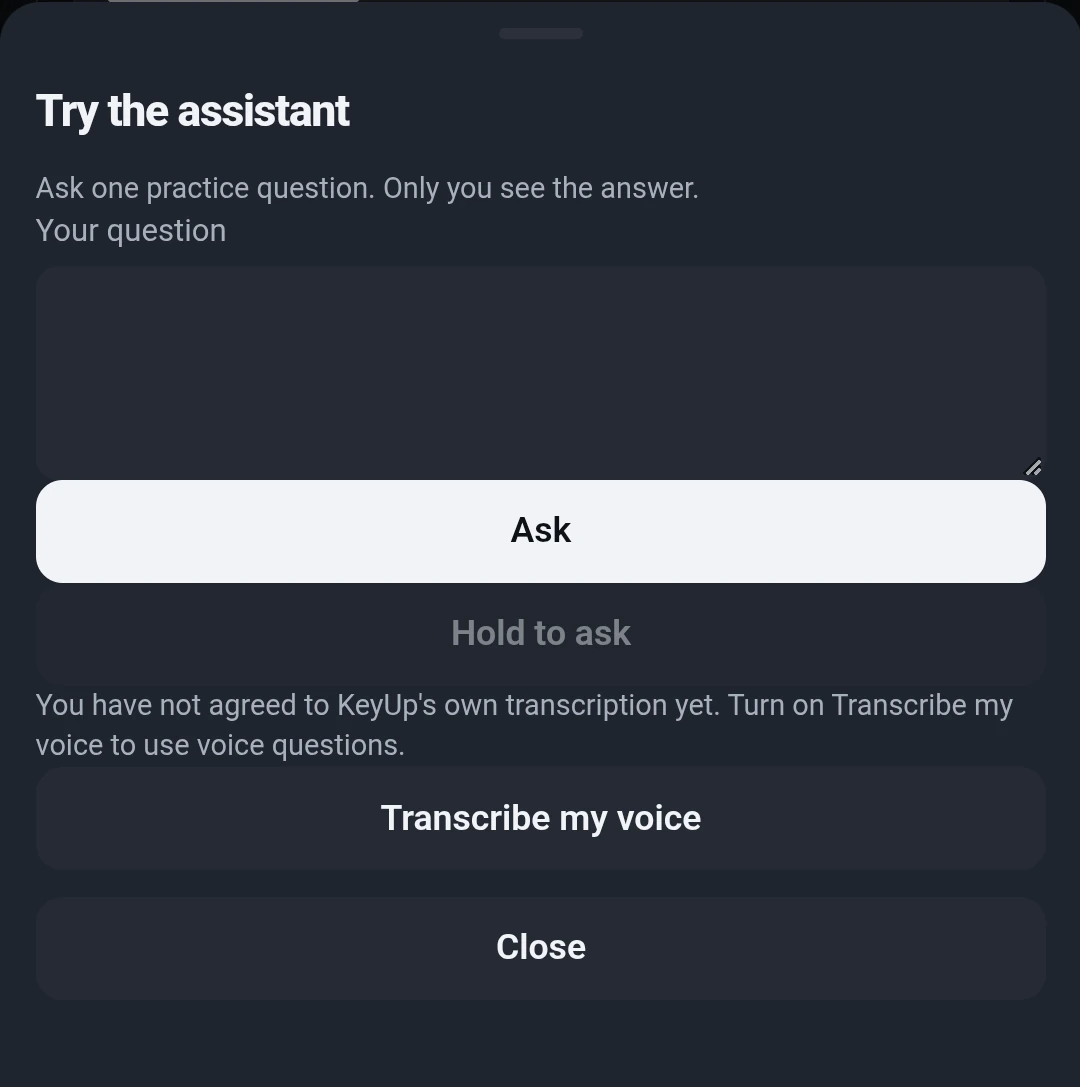
- Choose Ask the assistant one question on the welcome card, or open Try the assistant in your privacy and AI settings.
- To speak, press Hold and ask your question, ask, then release. If voice is off, open Transcribe my voice and review the transcription choice first.
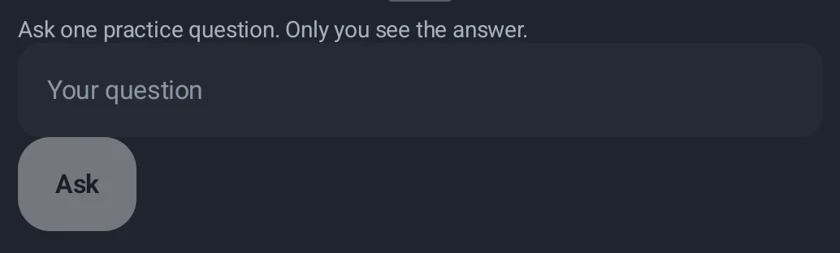
- To type, enter a question under Your question, then tap Ask. The answer appears here. A spoken question can also have its answer read aloud.
Web app
Open Ask the assistant one question. Type under Your question and choose Ask, or review the voice setting and use Hold to ask.
Ask on a Wear OS watch
Watch
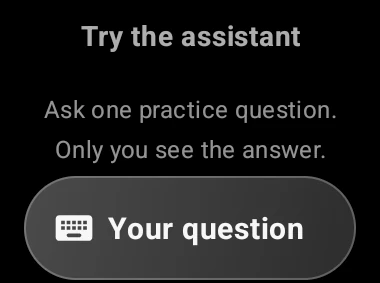
Open You and choose Try the assistant. Use Hold to ask to speak or Your question to type.
When voice tries run out
You can make up to five spoken attempts to put your practice question into words. If they run out before you get an answer, type your question. The attempts do not give you five separate practice answers.
Still stuck? Email [email protected]. Tell us your phone and watch model and what you tried.