Start in a Space of your own
Invite your first person, hear how your microphone sounds or try a private assistant question.
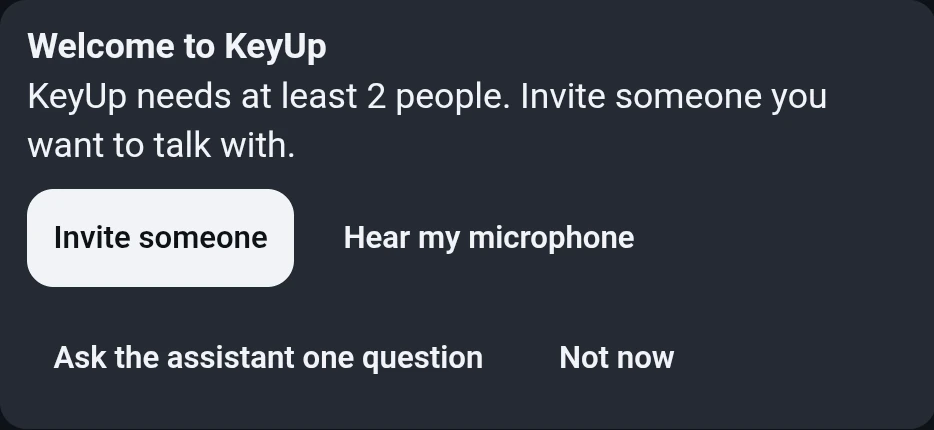
When you own a new Space and are the only person there, open its room on the Talk screen. The Welcome to KeyUp card gives you a few things you can try straight away.
Invite someone to this room
Phone
- Tap Invite someone on the card. The invite button in the room opens the same choices.
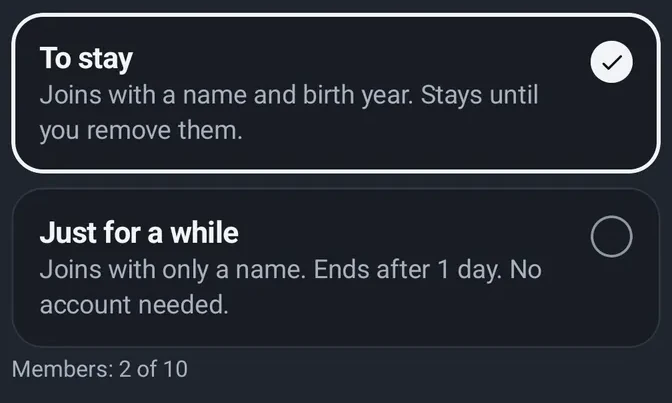
- Choose To stay for a member or Just for a while for a guest pass. Review the room and the choices before sharing the invite.
Web app
Open the room on Talk and choose Invite someone on the welcome card.
Listen to your microphone
Phone
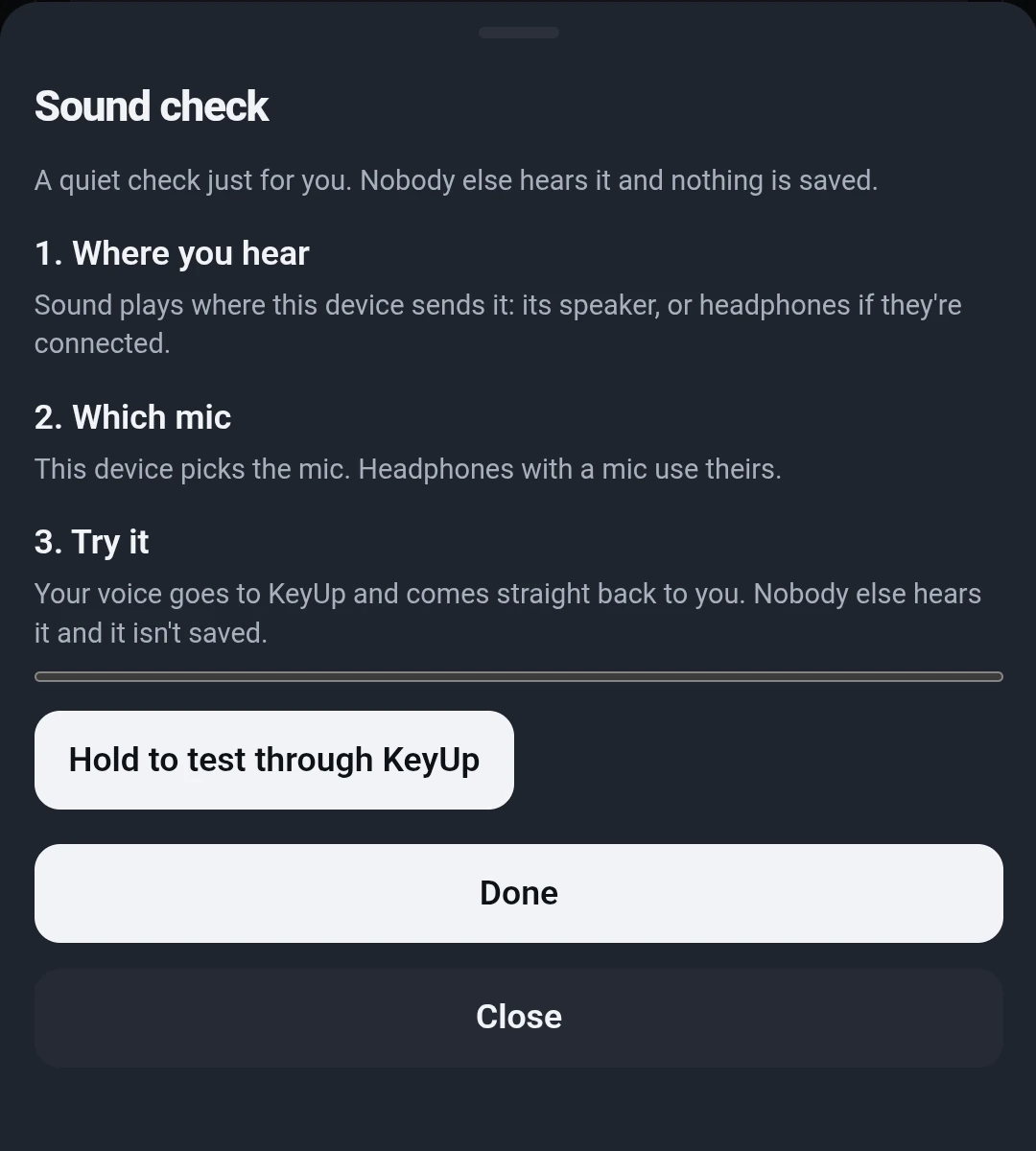
Tap Hear my microphone. In Sound check, speak and listen to the playback. You can check your audio before anyone else joins.
Web app
Tap Hear my microphone. In Sound check, hold the test button and speak, then listen to the playback.
Ask privately
Phone
If Ask the assistant one question is shown, tap it. The answer stays in the practice screen. See how to ask by voice or text.
Still stuck? Email [email protected]. Tell us your phone and watch model and what you tried.