Review a plan and Terms update
Read what each Space includes and what an account agreement covers.
If KeyUp asks you to review updated Terms, each active Space has its own plan summary. A Space you joined may have different assistant questions and transcript hours from a Space you own.
Review the change for your account
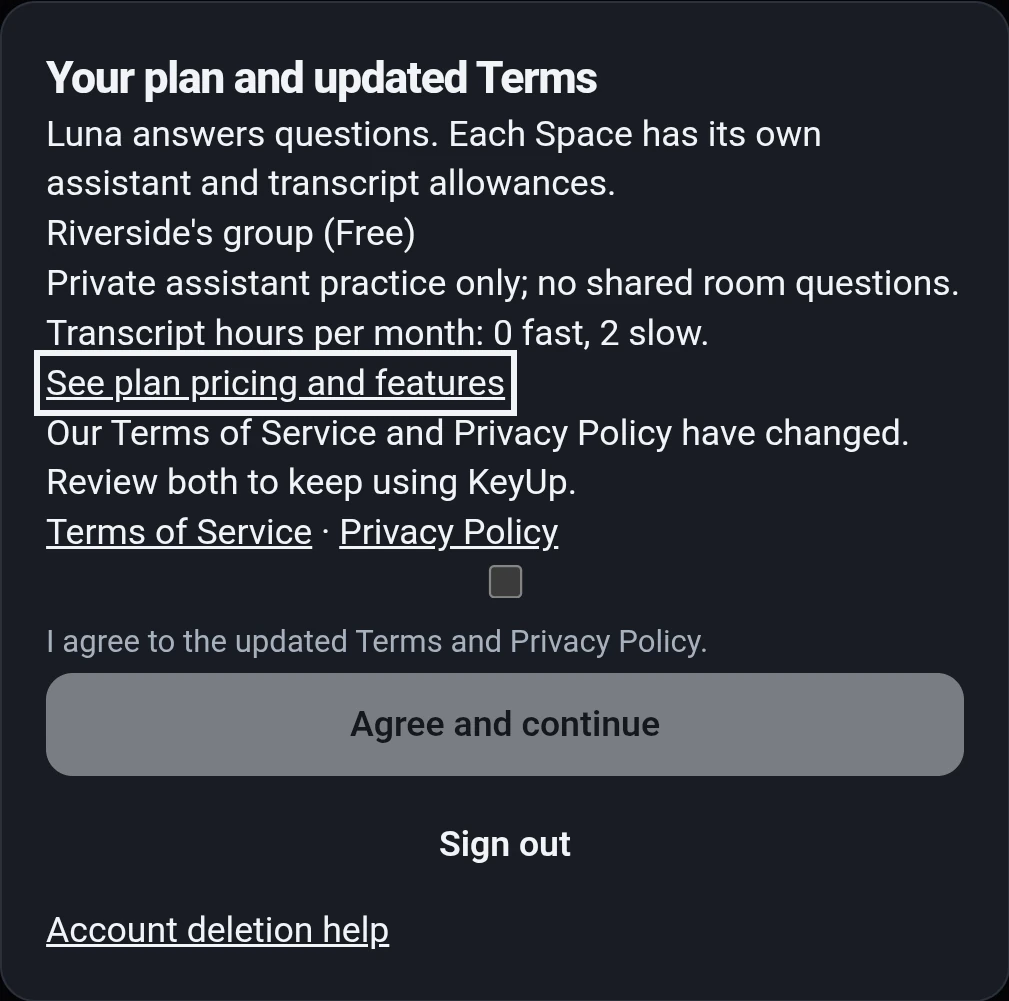
- Read the assistant allowance and fast and slow transcript hours for each Space. Open Pricing for the plan details.
- Read the Terms of Service and Privacy Policy. If you agree, tick the box and choose Agree and continue.
- KeyUp remembers your agreement for that account on every device. If you already agreed to these versions when you signed up, you can go straight into the app.
- Accepting does not buy a plan, start recording or give a provider permission to process your voice. You can also review account deletion options.
Web app
On the web, the agreement opens when you sign in or return to the app. Review the plan details above the checkbox.
Still stuck? Email [email protected]. Tell us your phone and watch model and what you tried.